
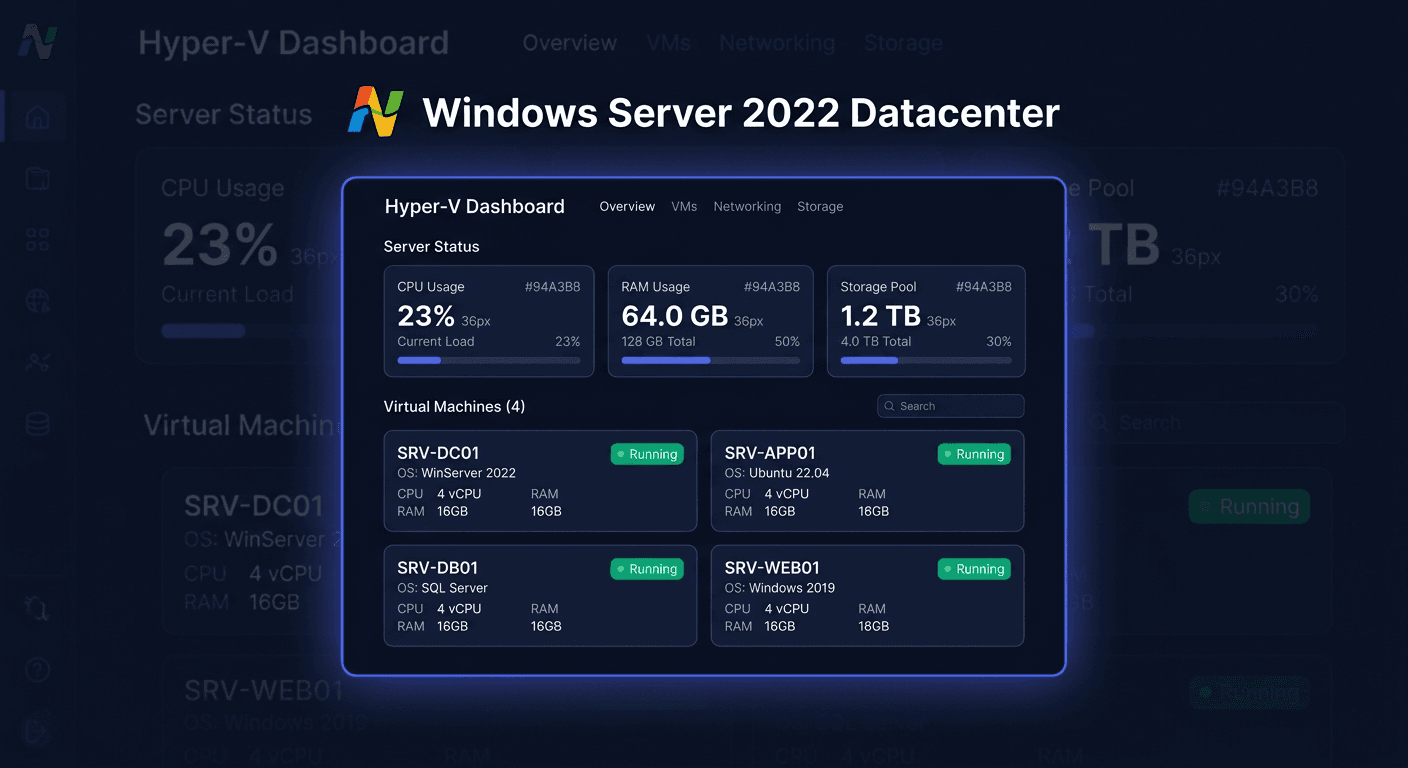
Activating Microsoft Windows Server 2025 Datacenter
Microsoft Windows Server 2025 Datacenter requires proper licence activation after installation to function in accordance with licence terms and without restrictions related to inactive software. This guide concerns activation only, not system installation.
Activation with a product key
Windows Server 2025 Datacenter can be activated with a standard product key in several ways: via the graphical interface, command line, and by phone.
Activation via GUI
- Open Settings.
- Go to the System section.
- Select Activation.
- Click on the option to change or enter the product key.
- Enter the purchased product key for Windows Server 2025 Datacenter.
- Confirm and start the activation process.
This variant is the simplest, but in server environments, administrators often use command-line tools as they facilitate documentation and automation.
Activation via CMD
Run Command Prompt as administrator and execute the following commands.
First, install the product key:
slmgr.vbs /ipk XXXXX-XXXXX-XXXXX-XXXXX-XXXXX
Then, run online activation:
slmgr.vbs /ato
If the key is correct, compatible with the system edition, and the server has access to Microsoft activation services, the system should be activated automatically.
Telephone activation
When online activation fails, you can perform telephone activation. In practice, this is useful especially when the server operates in an isolated network, the connection to activation servers is blocked, or the system reports an issue with online verification.
Microsoft telephone activation number:
00 800 121 1654
Before calling, it's a good idea to prepare:
- system edition: Windows Server 2025 Datacenter,
- product key,
- installation ID displayed by the activation wizard,
- information on whether the system was previously activated.
During the conversation or in the automated system, you will receive a confirmation ID that you need to enter into the activation wizard. If the automated path doesn't help, a consultant can verify whether the key is correct, the activation limit hasn't been exceeded, or whether re-activation is necessary after hardware changes.
Verifying activation
After activation, you should check if the system has actually obtained a licensed status.
Detailed verification commands for Windows
Check if the system is permanently activated:
slmgr.vbs /xpr
Display detailed licence data:
slmgr.vbs /dlv
In practice, it's a good idea to run both commands. /xpr will show the final activation status, and /dlv will provide more details, such as the licence channel, partial product key, and activation ID.
Resolving Activation Issues
Below are common, real activation errors encountered in Windows Server systems.
0xC004F050
This code usually means that the product key is invalid or does not match the installed edition of the system. Example: a key for a different licensing channel or a different version than Datacenter.
What to do: check the compatibility of the key with the system edition and re-enter it using the slmgr.vbs /ipk command.
0xC004C003
This error usually means that the activation server has rejected the key. The key may be blocked, used in violation of the license, or revoked.
What to do: verify the origin of the license and contact the seller. If necessary, use phone activation by calling 00 800 121 1654.
0xC004F074
An error typical for environments where the system tries to activate via KMS, but cannot connect to the KMS host.
What to do: check if the server should be activated with a MAK/Retail key or through the KMS infrastructure. If you are using a regular product key, re-enter it and run slmgr.vbs /ato.
0x8007232B
The system cannot find the appropriate DNS name for activation, which also often indicates incorrect KMS configuration or lack of access to required services.
What to do: if you are not using KMS, make sure to activate the system with a standard product key. If you are using KMS, check the DNS records and network connectivity.
0xC004E016
This code usually indicates that the installed key is not intended for this version of the system or the activated system does not match the licensed edition.
What to do: confirm that Windows Server 2025 Datacenter is installed and that the key is for the same edition.
0xC004FC03
A network connection error or firewall block during an attempt to activate online.
What to do: check internet access, proxy settings, firewall, and outgoing traffic filtering. Then, repeat:
slmgr.vbs /ato
What to do when the key does not work
If the key does not work, do not enter it multiple times without diagnosing the problem. First, check:
- if the key is intended for Windows Server 2025 Datacenter,
- if it has not been incorrectly transcribed,
- if it comes from a legitimate source,
- if it has not been over-activated,
- if the system does not require activation by a method other than online.
Then:
- Re-enter the key using
slmgr.vbs /ipk. - Check the status with
slmgr.vbs /dlv. - Try phone activation by calling 00 800 121 1654.
- If the problem persists, contact the seller and prepare the activation error code.
If the purchased key was described as a license for a different product, remember:
- Office is activated through
ospp.vbs /inpkey, thenospp.vbs /act, and the status is checked withospp.vbs /dstatus. - Visual Studio is activated through Help > Register Product > Unlock with Product Key.
- Antivirus programs are usually activated on the manufacturer's website, e.g.,
my.norton.comorcentral.bitdefender.com. - CAL is not activated with a key in the system. CAL is a license document/access right, not a separate technical activation through a code.
If you need further assistance, please contact us at [email protected] or visit our website for more information.
Reactivation after Hardware Change
After a significant hardware change, especially a change of the motherboard, controller, or a major virtual machine rebuild, the system may consider the device as a new configuration and require reactivation.
In such a situation:
- Check the current status with the command
slmgr.vbs /xpr. - If activation has been lost, try again:
slmgr.vbs /ato - When online activation fails, use phone activation: 00 800 121 1654.
- Be prepared to provide information that it is a reactivation due to a hardware change.
This is particularly important in server environments, where host modernisation, VM migrations, or component replacements can affect the licence verification mechanism.
Summary
Activating Microsoft Windows Server 2025 Datacenter usually involves two commands:
slmgr.vbs /ipk XXXXX-XXXXX-XXXXX-XXXXX-XXXXX
slmgr.vbs /ato
You can verify the activation with the commands:
slmgr.vbs /xpr
slmgr.vbs /dlv
If online activation does not work, the safest option is phone activation at 00 800 121 1654. In case of key errors, edition inconsistencies, issues after hardware changes, or doubts about the licence source, it is a good idea to gather the error code and contact the seller or Microsoft support.