
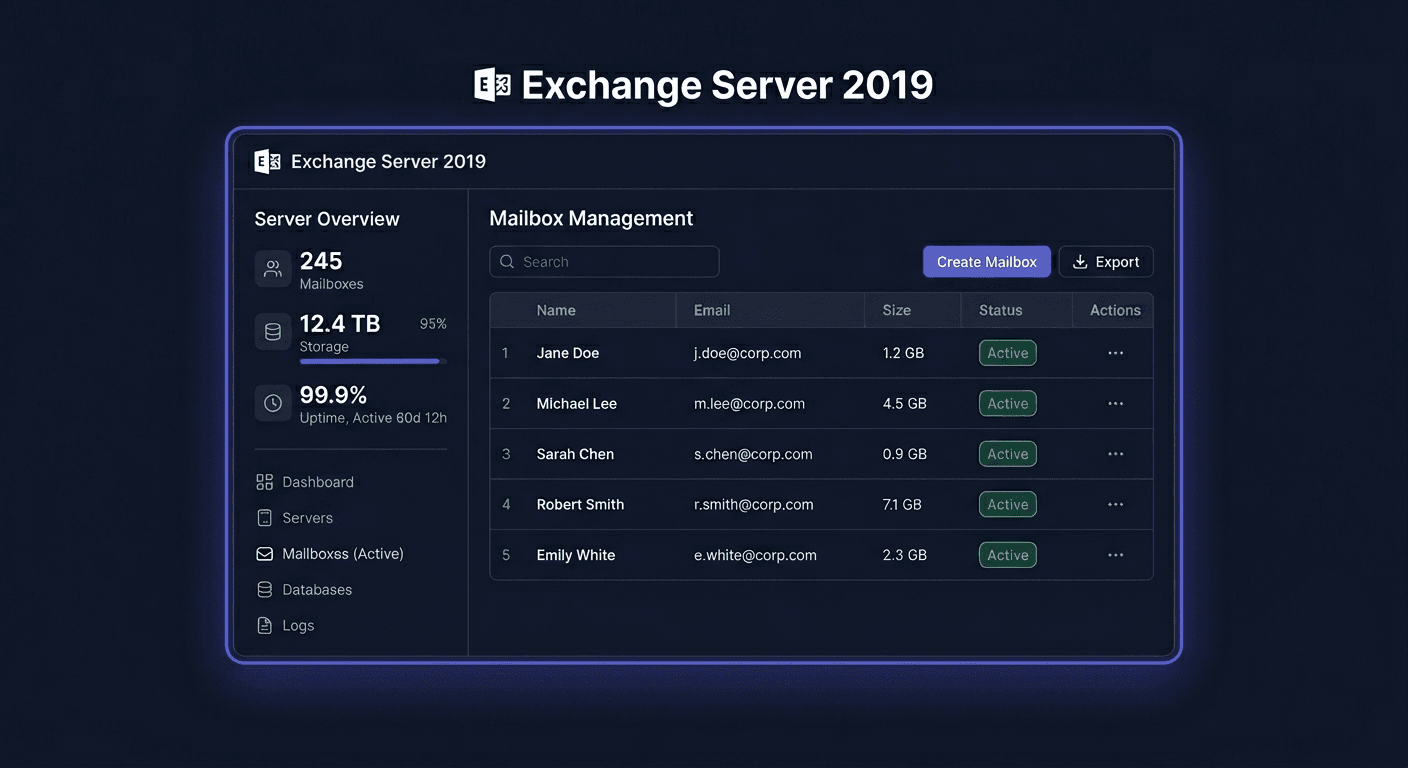
Activating Exchange Server 2019 Enterprise 1 User CAL
Activating Exchange Server 2019 Enterprise 1 User CAL is a crucial step in properly licensing your company's email environment. In practice, this license does not "unlock" a separate server installation, but rather extends the rights of a specific user to use the features provided for the Enterprise CAL variant. If your organisation has already deployed Exchange Server 2019, the CAL per user license is used to legally assign access to a selected person, not to a single device.
The User CAL model means that the license is assigned to one user, who can use Exchange services from multiple devices, such as a work computer, laptop, and phone. The Enterprise CAL version is an extension beyond the required basic level and is applied where features beyond standard access are needed. From an administrative perspective, it is crucial not only to have the license but also to properly document its assignment to a specific person.
Step by Step
1. Verify the Exchange Environment
First, ensure that your company has a properly deployed Exchange Server 2019 and that the organisation has the appropriate server license. CAL does not replace the server license, but complements it. It's also worth checking how many users actually use email and which accounts require Enterprise permissions.
2. Determine the Licensing Type
In this case, it's about Enterprise 1 User CAL, i.e., a license assigned to one person. This means that:
- one license applies to one user,
- this user can use Exchange on multiple devices,
- the license must be assigned by name or in a way that is internally documented.
If an employee in your company uses multiple workstations or mobile devices, the per-user model is usually more convenient than per device.
3. Assign the License to the User
In the case of CAL for Exchange, activation is not usually performed by entering the key directly in the Exchange console for each user. The most important thing is to properly assign the license in the organisation's licensing documentation. Good practice is to record:
- the user's name,
- the email address or account identifier,
- the date of license assignment,
- the type of license: Exchange Server 2019 Enterprise User CAL.
Such assignment should be consistent with the actual use of the environment and stored for audit purposes.
4. Keep the Purchase Document and Licensing Data
After purchasing the license, you should store the invoice, purchase confirmation, order number, and any information received from the seller. These documents confirm the legality of using the license. In a company environment, it's a good idea to place them in a central IT document repository or software inventory.
5. Update the License Register
After assigning CAL, update your company's license register. This way, you know:
- how many users have already been assigned CAL,
- what types of CAL are being used,
- whether the number of licenses matches the number of authorised users.
This is especially important during organisational expansion, migrations, and license compliance control.
Verification
After assigning a licence, it is worth performing a brief organisational and technical verification. Check if the user actually uses the Exchange Server 2019 account and if they have been included in the internal licence register. It is also a good idea to confirm that the number of active users requiring Enterprise CAL does not exceed the number of purchased licences.
Remember that in the case of CAL, the most important thing is compliant licence assignment according to the licensing rules, not just the system message about activation. Exchange may work technically correctly, but without the proper number of CALs, the organisation may still be non-compliant.
Problems
The most common problem is confusing server licences with access licences (CAL). Purchasing only Exchange Server 2019 does not mean that all employees can legally use email. Each user requiring access should have an appropriate CAL licence.
Another common difficulty is the lack of distinction between User CAL and Device CAL. If a licence was purchased for a user, it should not be recorded as assigned to a device. Such an error can cause ambiguities during an audit.
A lack of up-to-date documentation is also a problem. Even if licences have been purchased, but the company cannot demonstrate who they have been assigned to, there is a formal risk. Therefore, it is worth regularly reviewing the list of users and removing assignments where an employee no longer uses the system.
If you are unsure about how to correctly assign or verify the Exchange Server 2019 Enterprise 1 User CAL licence, please contact us: [email protected] or call 00 800 121 1654.
FAQ
Does Exchange Server 2019 Enterprise 1 User CAL activate with a key on the user's account?
No, not in the typical sense of activation assigned to a single account. The most important thing is the correct purchase of the licence and its documented assignment to a specific user in accordance with the licensing rules.
Can one user with User CAL use email on multiple devices?
Yes. This is one of the main advantages of the per user model. The same person can use Exchange on a computer, laptop, and phone without needing to purchase a separate licence for each device.
Is a single Enterprise CAL licence enough?
No. Enterprise CAL works as an extension of the user's permissions in the Exchange environment and should be considered together with the proper server licensing and required user access in accordance with Microsoft's policy.