
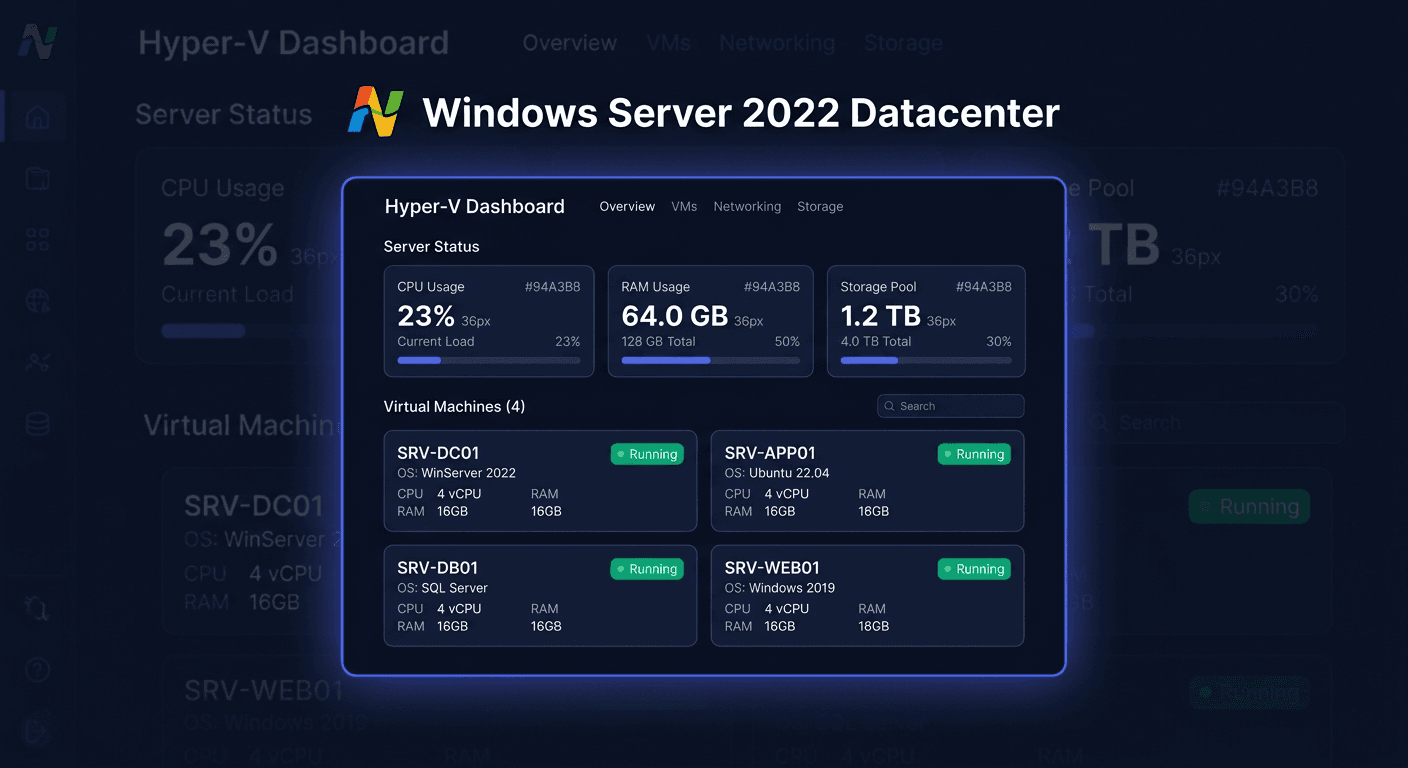
Activation Guide: Windows Server 2025 Datacenter 100 Users
Introduction
This guide describes how to activate Windows Server 2025 Datacenter 100 Users using the most commonly used methods. You will find the procedure through the graphical interface, command line, and phone activation. At the end, we have also added ways to verify the status and a list of the most common errors along with solutions.
Activation is worth performing immediately after installing the system or after changing the product key. This confirms the legality of the license, unlocks the full functionality of the system, and avoids messages about the need for activation.
Note: before starting, make sure you are using the correct product key intended for the Windows Server 2025 Datacenter edition. A key for a different edition, such as Standard, will not work.
Method 1: Activation through the graphical interface
This is the simplest method, recommended for administrators who prefer working in a graphical environment.
Step by step
- Open the Start menu and go to Settings.
- Select the System section.
- Find the Activation option.
- Click on the option to change or enter the product key.
- Enter the received activation key for Windows Server 2025 Datacenter.
- Confirm the operation and wait for the system to connect to the Microsoft activation service.
- After completion, check if the status has changed to Windows is activated.
When to choose this method
The GUI method works best when:
- the server has internet access,
- activation is performed locally,
- you need quick confirmation of the license status without using commands.
Method 2: Activation through CMD
This is the most universal administrative method, especially useful on remotely managed servers or in environments where automation is preferred.
Running the command line
- Open Start.
- Type
cmd. - Click Run as administrator.
Installing the key and activation
In the Windows Server system, you should use the commands in this order:
slmgr.vbs /ipk XXXXX-XXXXX-XXXXX-XXXXX-XXXXX
slmgr.vbs /ato
What do these commands mean
slmgr.vbs /ipkinstalls a new product key in the system.slmgr.vbs /atostarts an online activation attempt.
After executing the first command, the system should display a message confirming the correct installation of the key. Then, the second command should start the activation through Microsoft's servers.
Additional tip
If the key was entered earlier and you just want to renew the activation, you can run only:
slmgr.vbs /ato
For any questions or concerns, please contact [email protected] or call 00 800 121 1654 for assistance.
Method 3: Telephone Activation
If online activation fails, you can use the telephone method. This is particularly useful when you have limited internet access, issues with the activation service, or specific environment configurations.
Telephone Activation Number
For telephone activation, use the following number:
00 800 121 1654
How Telephone Activation Works
- Open the Run window using the
Win + Rshortcut. - Type:
slui 4
- Select your country or region.
- Call the provided number:
00 800 121 1654. - Provide the installation ID displayed on the screen.
- Enter the confirmation ID you received in the corresponding fields.
- Confirm the activation.
When to Use Telephone Activation
This method is recommended when:
- internet activation returns an error,
- the server operates in an isolated network,
- the key is correct, but additional verification is required.
Activation Verification
After completing the activation, it's a good idea to check if the system has obtained the correct license status.
Verification in GUI
Go to:
Settings → System → Activation
You should see a message confirming the system activation.
Verification in CMD
Run the command line as an administrator and type:
slmgr.vbs /xpr
The command shows whether the system is permanently activated.
You can also use:
slmgr.vbs /dlv
This command displays more detailed information about the license, activation channel, and system status.
Most Common Errors and Solutions
Below is a list of issues that most frequently occur during the activation of Windows Server 2025 Datacenter.
1. Incorrect Product Key
Symptom:
the system rejects the key during slmgr.vbs /ipk.
Cause: the key does not match the system edition or was entered with an error.
Solution: check the key's compatibility with the Datacenter edition and the correctness of each character.
2. Lack of Internet Connection
Symptom:
slmgr.vbs /ato ends in failure.
Cause: the server does not have access to the internet or traffic to the activation servers is blocked.
Solution: check the network connection, DNS, firewall, and proxy settings. If this is not possible, use phone activation.
3. Running CMD without Administrator Privileges
Symptom: commands are not executed correctly or end with access denied.
Cause: the command line was opened without elevated privileges.
Solution:
close the window and run cmd as an administrator.
4. Key Intended for a Different System Version
Symptom: the system accepts the key installation attempt, but activation does not succeed.
Cause: the used key may be intended for a different version, licensing channel, or product generation.
Solution: confirm that the key is intended exactly for Windows Server 2025 Datacenter.
5. Temporary Issue on the Activation Service Side
Symptom: activation fails despite a correct key and connection.
Cause: temporary unavailability of the Microsoft service.
Solution: wait a few minutes and retry:
slmgr.vbs /ato
If the problem persists, proceed to phone activation.
6. Error after Hardware Change or Machine Migration
Symptom: a previously activated system suddenly requires reactivation.
Cause: significant change in hardware configuration or virtual environment.
Solution: re-enter the key and activate the system. If necessary, use the phone activation procedure.
7. Typos when Entering Commands
Symptom: the system returns information that the command does not exist or the script was not found.
Cause: error in syntax, lack of space, or incorrect switch.
Solution: ensure that you enter exactly:
slmgr.vbs /ipk YOUR-PRODUCT-KEY
slmgr.vbs /ato
Summary
Activation of Windows Server 2025 Datacenter 100 Users can be performed in several ways. The most convenient method is the graphical method, the most practical administratively remains activation via CMD, and in emergency situations, phone activation under the number 00 800 121 1654 is an effective solution.
If you want to have full control over the process, the recommended path in the Windows Server system is:
slmgr.vbs /ipk XXXXX-XXXXX-XXXXX-XXXXX-XXXXX
slmgr.vbs /ato
After everything, always check the activation status using slmgr.vbs /xpr or in system settings. This way, you are sure that the server works correctly and the license has been activated properly.
For any further assistance, please contact us at [email protected] or call 00 800 121 1654.