
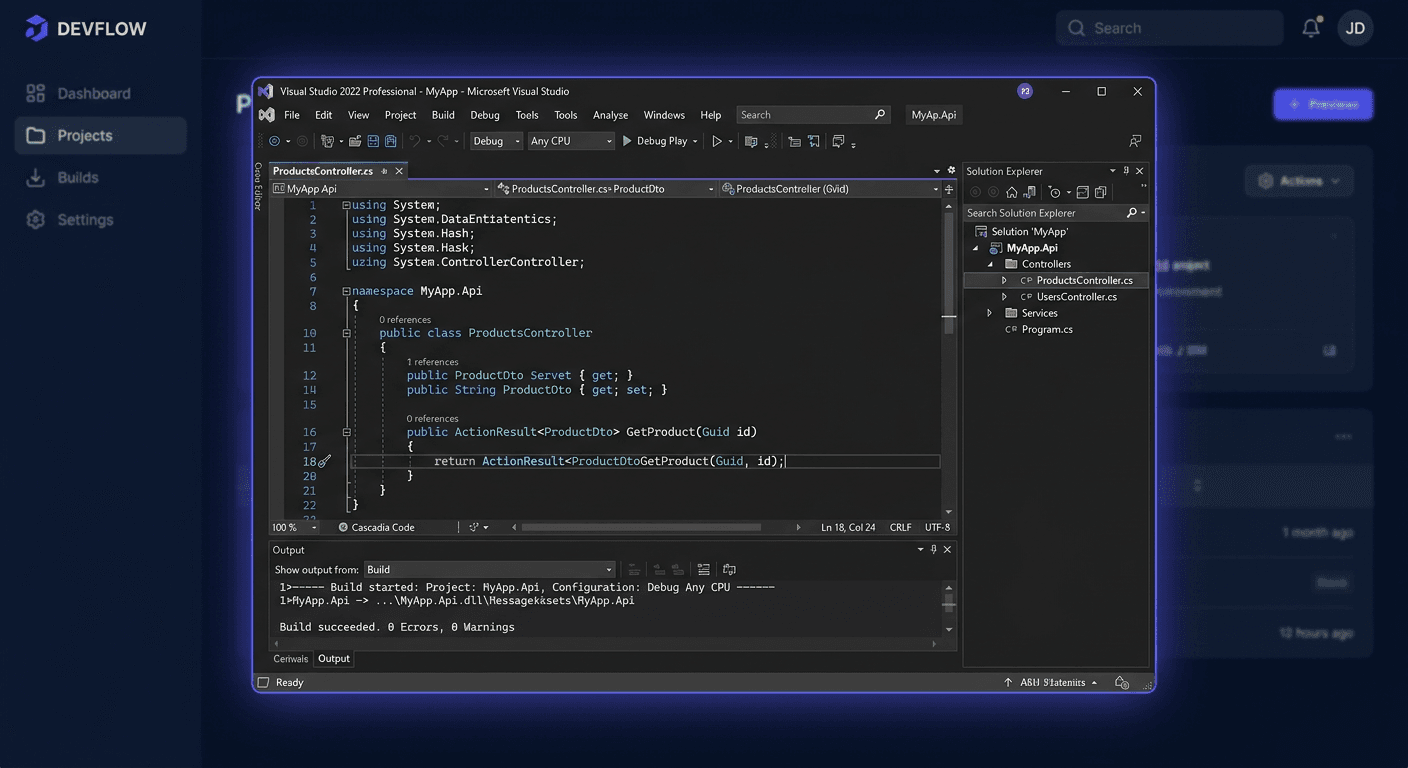
Visual Studio Community vs Professional vs Enterprise - edition comparison
Visual Studio is one of the most popular programming environments in the world, offering many features and tools that make it easier to create applications. Depending on the needs, programmers and teams can choose from three editions: Community, Professional, and Enterprise. In this article, we will compare these editions to help you choose the right version for your needs.
Quick comparison table
| Edition | Licensing | Team features | Testing tools | Support for larger organisations |
|---|---|---|---|---|
| Community | Free, with limitations | Limited | Basic | Limited |
| Professional | Paid | Extended | Advanced | Medium |
| Enterprise | Paid | Full | Advanced | High |
Edition features
Visual Studio Community is a free edition, intended for individual programmers and small teams. It offers many features, such as a code editor, debugger, and application development tools. However, compared to the Professional and Enterprise editions, it has limitations in terms of team features and support for larger organisations.
The Professional edition offers more team features, such as version control and real-time collaboration. Additionally, it includes advanced testing tools, such as unit and integration tests.
The Enterprise edition is the most advanced version of Visual Studio, offering full team features and support for larger organisations. It also includes advanced testing and analytics tools, such as performance and security monitoring of applications.
Testing tools
All three editions of Visual Studio offer testing tools, but the Professional and Enterprise editions have more advanced features. For example, the Enterprise edition includes a performance testing tool that allows you to simulate a large number of users and load on the application.
| Edition | Testing tools |
|---|---|
| Community | Unit tests, debugging |
| Professional | Unit tests, integration tests, debugging |
| Enterprise | Unit tests, integration tests, performance tests, security tests |
Key differences
The key differences between the Visual Studio editions are:
- Licensing: The Community edition is free, but with limitations on commercial use. The Professional and Enterprise editions are paid.
- Team features: The Community edition has limited team features, the Professional edition has extended features, and the Enterprise edition has full features.
- Support for larger organisations: The Community edition has limited support, the Professional edition has medium support, and the Enterprise edition has high support.
When to choose the Community edition?
The Community edition is a good choice when:
- You are creating applications for yourself or as a hobby.
- You work in a small team and do not need advanced team features.
- You want to get familiar with Visual Studio and its features.
When to choose the Professional edition?
The Professional edition is a good choice when:
- You are creating commercial applications and need advanced team features.
- You work in a medium-sized team and need real-time collaboration.
- You want to have access to advanced testing tools.
If you have any further questions or need assistance, please contact us at [email protected] or call us at 00 800 121 1654. We will be happy to help you choose the right edition of Visual Studio for your needs.
When to choose the Enterprise edition?
The Enterprise edition is worth choosing when:
- You create applications for large organisations and need full team features.
- You work in a large team and need advanced testing and analytical tools.
- You want to have access to support for larger organisations.
Recommendation
Based on the comparison of Visual Studio editions, we recommend:
- The Community edition for individual developers and small teams.
- The Professional edition for medium-sized teams and commercial applications.
- The Enterprise edition for large organisations and teams.
Summary
Visual Studio is a powerful development environment, offering many features and tools. The choice of the right edition depends on the needs and requirements of your team. The Community edition is free, but with limitations. The Professional and Enterprise editions are paid, but offer more team features and support for larger organisations. By choosing the right edition, you can increase the productivity and efficiency of your team.