
Microsoft Windows 10 Home FAQ
Below, you will find answers to the most frequently asked questions about Microsoft Windows 10 Home. This FAQ format helps you quickly check the most important information before purchasing and during system activation.
1. Is the Windows 10 Home key legal?
Yes, provided it comes from a legitimate sales source and is intended to activate the Windows 10 Home edition. The legality is primarily evidenced by the license's compliance with the product description, proof of purchase, and proper activation in the Microsoft system. Before buying, it's worth ensuring you receive a full license description, version information, and a sales document.
2. How many computers can use one license?
Standardly, one Windows 10 Home license is intended for 1 computer. This means that one activation key should be used on one device in accordance with the licensing terms. If you want to activate multiple workstations, you need the appropriate number of separate licenses.
3. Is this a perpetual license?
In most Windows 10 Home offers, we are talking about a perpetual license, i.e., one that does not require a monthly or annual subscription. After proper activation, the system can be used without time limits on the assigned device. However, it's worth remembering that the perpetuity of the license is not the same as perpetual technical support from the manufacturer.
4. Can I transfer the license to another computer?
It depends on the type of license. Retail licenses can usually be transferred to another computer after uninstalling the system from the previous device. Licenses tied to specific hardware may have other restrictions. Before buying, it's best to check the product description to see if the version allows transfer.
5. How does Windows 10 Home differ from other editions?
Windows 10 Home is a version primarily intended for home use. It offers the most important features needed for daily work, learning, internet, multimedia, and games. Compared to the Pro edition, it does not include some business features, such as advanced domain management, full BitLocker, or administrative tools intended for businesses. If the computer is for home use, the Home version is usually sufficient.
6. Does the Windows 10 Home key also work with Windows 10 Pro?
No. The key must match the same edition of the system you want to activate. A Windows 10 Home key does not activate Windows 10 Pro, and a Pro key does not activate Home. If a different edition is installed on the computer than purchased, you first need to install the correct version of the system.
7. Is Windows 10 Home compatible with my computer?
The system works on many older and newer computers, but the device should meet the minimum hardware requirements and have drivers compatible with Windows 10. Before installation, it's worth checking the processor, RAM, free disk space, and boot mode. If the computer previously ran on Windows 10, reinstalling the same edition usually doesn't cause problems.
For any further questions or concerns, please contact us at [email protected] or call 00 800 121 1654.
8. Is internet required for installation?
Not always. The system installation itself can be performed offline, if you have a prepared installation media USB or ISO image. An internet connection is useful, however, for downloading updates, drivers, and for online activation. In practice, installation without a network is possible, and activation can be performed later.
9. What to do if the key does not want to activate?
First, check if the entered code is correct and if the installed edition of the system is the correct one, i.e. Windows 10 Home. A common cause of the problem is attempting to activate a different version, for example Pro. It's also worth ensuring that the computer has an internet connection and that the system has not been previously modified incorrectly. If the problem still occurs, it's best to contact the seller and prepare a screenshot of the error or the exact message from the activation window.
10. Until when is Windows 10 Home supported by Microsoft?
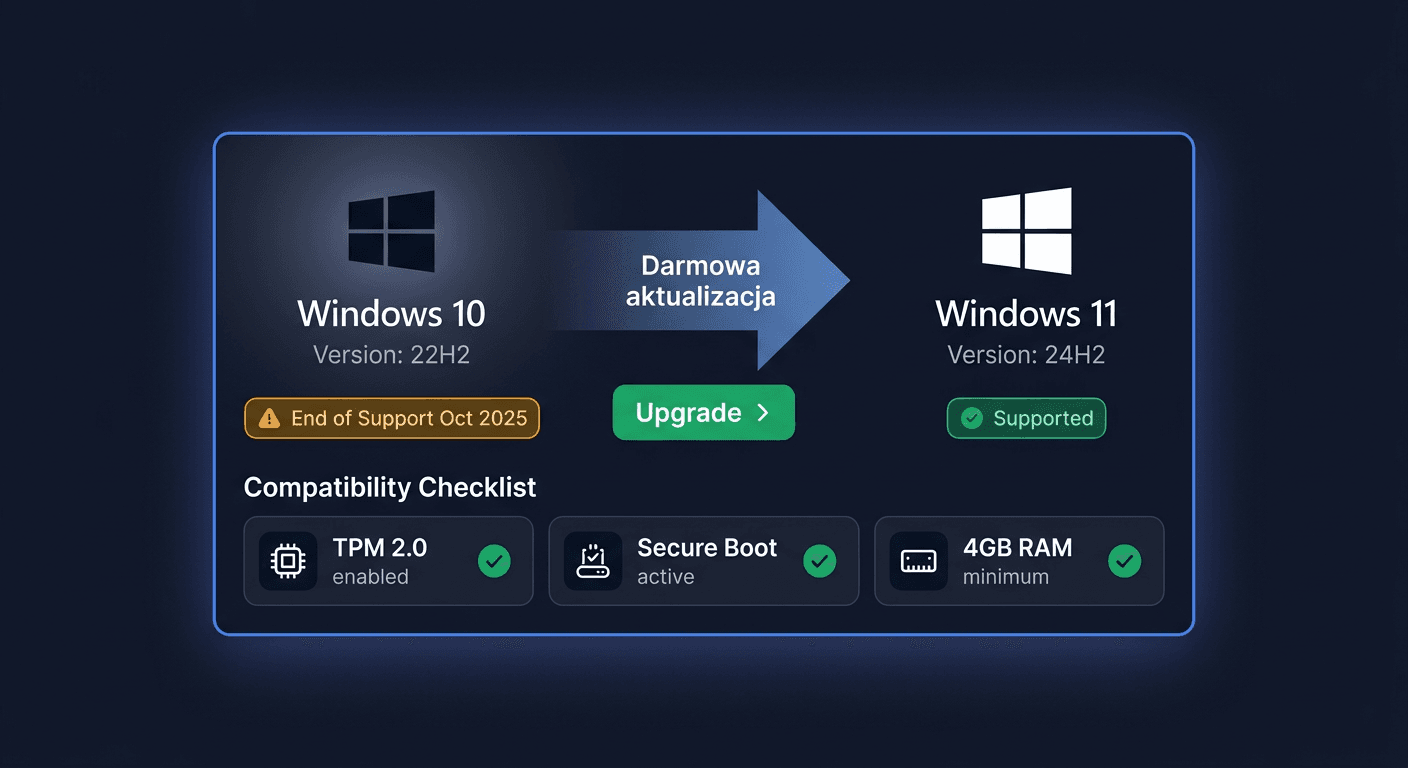
Standard support for Windows 10 Home ended on October 14, 2025. This means the end of regular security updates and standard support for this line of systems. In practice, the system may still work, but after this date, the user should expect limited security and lack of further standard product development. Microsoft has also planned a paid extended security updates program for selected scenarios, but this does not change the fact that basic Windows 10 support has already ended.
11. Will I receive a VAT invoice?
Yes, when purchasing in a professional online store, the customer should have the option to receive a VAT invoice. This is an important document confirming the purchase, especially for companies, institutions, and individuals who want to keep full licensing documentation. It's best to provide the invoice details already at the stage of placing the order.
12. How quickly will I receive the key and instructions?
In the case of digital products, delivery is usually very quick, most often electronically, to the email address provided with the order. The exact time depends on the sales model and the store's working hours, but in most cases, the customer receives the key and activation instructions without having to wait for a physical shipment.
Note: if you are also buying an antivirus program, activation is performed on the manufacturer's website, according to the instructions provided after purchase.