
FAQ: Microsoft Windows 11 Home
Microsoft Windows 11 Home is the most commonly chosen edition of the system for home users. However, before making a purchase, it's worth checking not only the price but also the type of licence, activation rules, hardware compatibility, and actual usage conditions. Below, we've gathered the most important questions that most frequently arise before buying a key.
1. Is the Windows 11 Home key legal?
Yes, but only if it comes from a legitimate source and is sold with the right to use it. In practice, it's worth paying attention to several elements: the seller's data, the purchase document, a clear description of the licence type, and post-sales support. The mere possibility of activating the system is not yet full confirmation of its legitimacy. The key's origin and licence compliance with its intended use, i.e., home use on the appropriate device, are essential.
2. On how many computers can I use one Windows 11 Home licence?
Standardly, one Windows 11 Home licence is intended for 1 computer. This does not mean simultaneous use on several laptops or PCs within one household. If you want to activate the system on two devices, you need two separate licences. This is one of the most important issues when making a purchase, especially when the system is to be installed on both a desktop computer and a notebook.
3. Is Windows 11 Home a perpetual licence?
Yes, in the typical model, it is a non-expiring licence, i.e., it does not work like a subscription. After proper activation, you can use the system without monthly fees. However, you must distinguish the perpetuity of the licence from the support period for a specific system version. The licence itself does not expire, but individual Windows 11 editions have specific end dates for security updates.
4. Can I transfer the licence to another computer?
It depends on the type of licence. In practice, retail/BOX licences can usually be transferred to another computer, provided you stop using them on the previous device. OEM licences are usually tied to the first computer on which they were activated and are not intended to be transferred. If you plan to replace your hardware in the future, it's worth checking this issue before making a purchase.
5. How does Windows 11 Home differ from other editions?
Windows 11 Home is primarily intended for home use: internet, education, multimedia, office work, and games. For many users, this is a fully sufficient version. The Pro edition offers additional business and administrative features, such as BitLocker, domain joining, Hyper-V, or remote management. If you don't need business tools, Windows 11 Home will be a reasonable and cheaper choice.
6. How can I check if my computer is compatible with Windows 11 Home?
The most important requirements are a compatible 64-bit processor, 4 GB RAM, 64 GB disk space, TPM 2.0, UEFI, and Secure Boot. In practice, the lack of TPM 2.0 or an older processor often causes the most problems. You can easily verify compatibility using the PC Health Check tool or in the BIOS/UEFI settings. If your computer does not meet the requirements, installation may be difficult or the system may not be fully supported.
7. What to do if the key does not work or an activation error occurs?
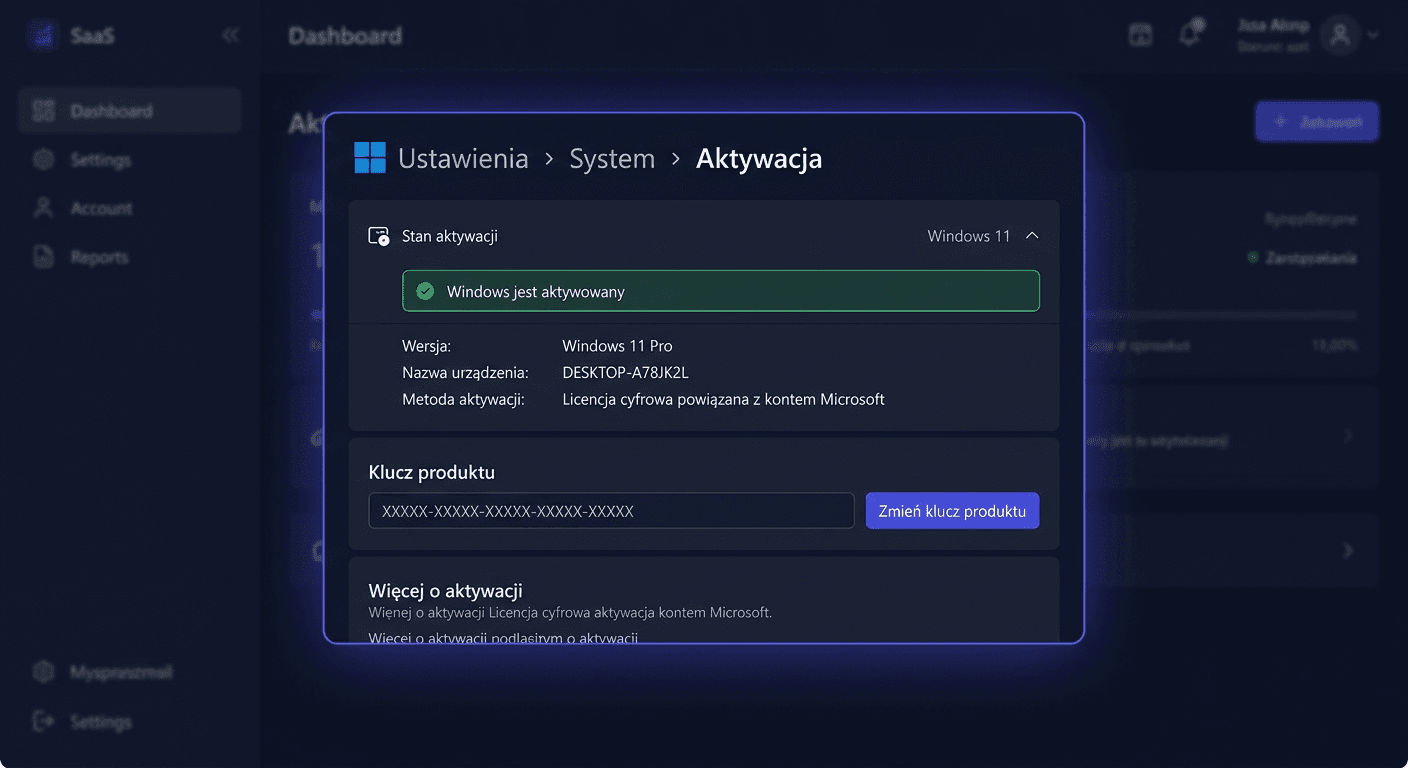
First, make sure that the installed edition of the system is exactly Windows 11 Home, and not Pro. Keys are assigned to a specific edition and do not activate other versions. It's also worth checking your internet connection, the correctness of the entered code, and the activation status in the Settings > System > Activation section. If the computer has undergone significant hardware changes, such as a motherboard replacement, re-activation or linking the license to a Microsoft account may be required.
8. Until when will Windows 11 Home be supported?
Windows 11 as a product is still supported, but support always applies to a specific version. For home users, each major version typically receives 24 months of support from its release. Currently, version 24H2 for Windows 11 Home has support until October 13, 2026. This means that simply purchasing a license without installing current updates is not enough. To maintain security and system fixes, you need to keep the system on a supported version.
9. Will I receive a VAT invoice?
Yes, in a professional store, the sale of an operating system should be confirmed by a purchase document. For business and institutional customers, a VAT invoice is particularly important, as it serves as the basis for settlement and transaction confirmation. Before making a purchase, it's worth checking if the seller clearly informs about the possibility of issuing an invoice and what data should be provided when ordering.
10. How quickly will I receive the key after purchase?
In the case of electronic licenses, delivery usually takes place very quickly, most often by email. The processing time depends on the store's system, working hours of the support team, and the payment method, but in practice, it is often a matter of minutes to several hours. It's worth checking the SPAM folder and the correctness of the email address provided when ordering. If the message does not arrive, a good seller should provide quick contact and re-send the key.
11. Can Windows 11 Home be installed offline? And what about antivirus activation?
The system installation can be prepared from a bootable pendrive or ISO image, so the installation process itself can take place without an internet connection. However, you should remember that Windows 11 Home typically requires an internet connection and a Microsoft account during initial setup, and system activation usually also takes place online. If you're purchasing additional security software, keep in mind that antivirus activation takes place through the manufacturer's website, according to the supplier's instructions, and not through the Windows activation panel.
Summary
When buying Microsoft Windows 11 Home, it's worth looking beyond just the key price. The legality of the source, license type, computer compatibility, transferability, and support for the current system version are all important factors. If you care about hassle-free activation and clear purchase terms, choose an offer with a sales document, technical support, and a clear product description. For any questions or concerns, you can contact us at [email protected] or call 00 800 121 1654.