
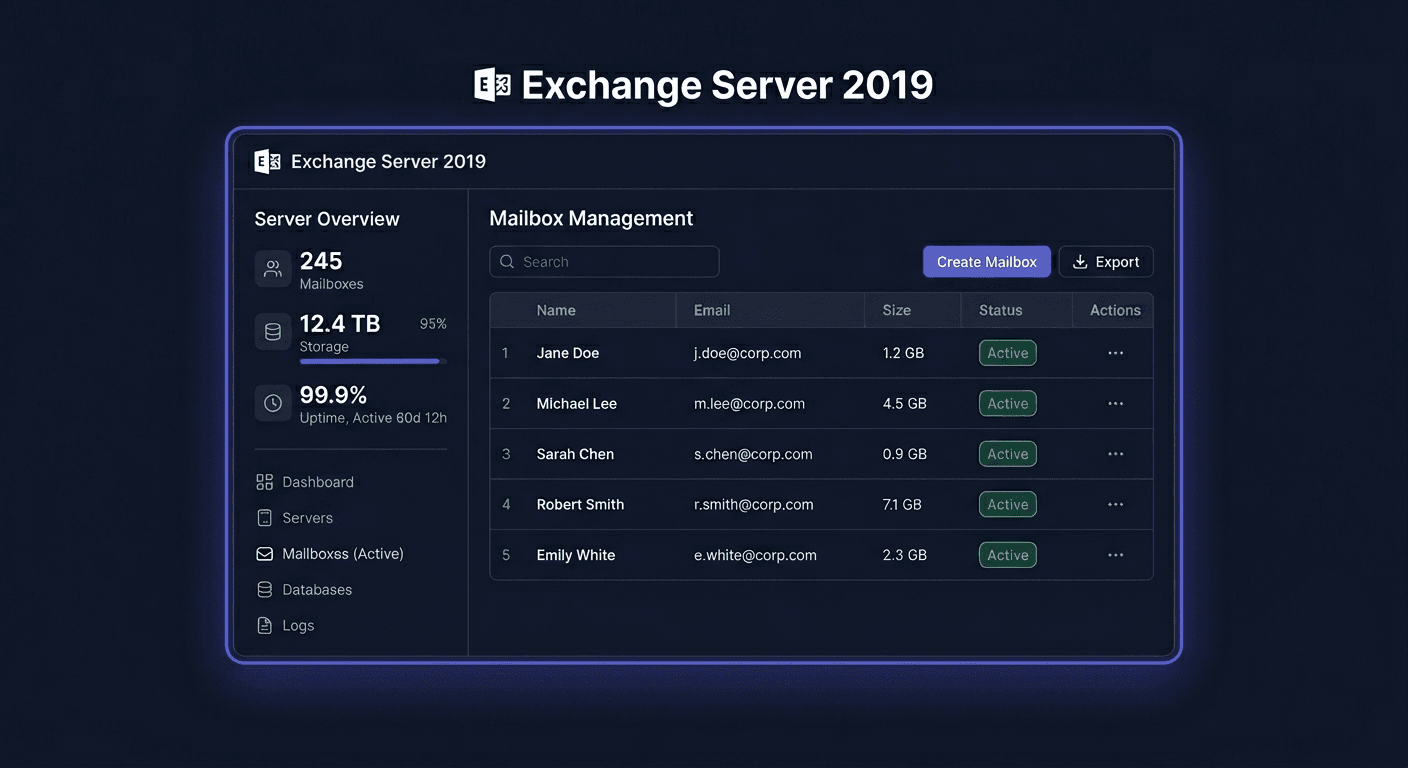
FAQ: Exchange Server 2019 Standard -- 1 Device CAL
Exchange Server 2019 Standard -- 1 Device CAL is a CAL (Client Access License) assigned to one device, not a specific user. It is not an installation program or a separate mail server, but a licensing document that authorises the specified device to legally access Microsoft Exchange Server 2019 services.
1. What exactly is Exchange Server 2019 Standard Device CAL?
It is a Client Access License, i.e. a client access licence. In the Device CAL variant, it is assigned to one device, such as a desktop computer, terminal, shared laptop, or reception station. This licence gives the device the right to use Exchange Server 2019 services in accordance with Microsoft's licensing rules.
In practice, this means that the Exchange server itself must be licensed separately, and CALs are required for people or devices that use it. This is an important distinction, as buying the server without the appropriate number of CALs does not mean full licensing compliance.
2. Is this licence assigned to a user or a computer?
This product is assigned to a device. If several people use one computer, only 1 Device CAL is required for that specific workstation, as long as it is the device that accesses Exchange Server 2019.
However, if one employee uses company email from multiple devices, such as an office computer, laptop, and company phone, a User CAL licence is often more cost-effective, as it covers one user regardless of the number of devices they use.
3. What is the difference between User CAL and Device CAL?
The difference lies in the way the permission is assigned:
- User CAL is assigned to one person.
- Device CAL is assigned to one device.
Device CAL is usually more beneficial where multiple people work from one workstation, such as in a warehouse, service point, production shift, or reception. User CAL is better suited for mobile organisations where one employee uses multiple devices.
The most important thing is not to mix assignment logic without control. Licences must be tailored to the actual work model, as this is what is verified during compliance checks.
4. How many Device CAL licences do I need?
You need as many licences as there are devices that access Exchange Server 2019. If there are 4 shared computers in the company that employees use to access email on the Exchange server, you need 4 Device CAL licences.
It's not just the number of employees that counts, but the actual number of devices that have access to the server services. It's a good idea to keep a simple record: device name, users, department, date of licence assignment. Such documentation helps not only internally but also during audits or inspections.
5. Does one Device CAL licence allow multiple employees to access the server?
Yes, but only if all employees use the same device to which the licence is assigned. For example, a computer at the reception desk can be used by several people on different shifts, and only one Device CAL licence is required for that workstation.
However, this does not mean that one licence can be "passed around" between multiple computers as needed. The licence does not work like a shared activation code for any use, but rather as a formal permission assigned to a specific device.
6. Does this product include an activation key and is it legal?
This is a licensing product, so the key does not play the role of a classic programme installation, as in the case of an Office package or Windows system. The most important thing is the access right resulting from the licence and the complete documentation confirming the legality of the purchase.
The offered product concerns a legal licensing entitlement. If a key appears in the manufacturer's or distributor's documentation, it has a secondary significance, whereas the legality is decided primarily by the origin of the licence, proper sales documentation, and compliance with the terms of use. The customer receives documents confirming the purchase, and the sale is made with a VAT invoice.
7. What does the licence delivery look like and what do I receive after purchase?
The delivery is electronic. This means quick transfer of licensing information and sales documents without a physical medium. This product is not boxed software for installation, but an access licence.
After purchase, the customer receives a complete set of information necessary to document the acquisition of the licence. As standard, this includes confirmation of the order and a VAT invoice, which is essential for both accounting and maintaining documentary order in case of inspections.
8. What about a Microsoft licensing audit or internal control?
During an audit, the most important thing is to demonstrate that the number of assigned licences corresponds to the actual number of devices that have access to Exchange Server. Therefore, it's a good idea to keep invoices, purchase confirmations, and internal records of licence assignments.
Shortages most often concern not the server itself, but the underestimated number of CALs. If an organisation uses Exchange without an adequate number of access licences, this may indicate non-compliance. A good practice is to conduct a periodic review: number of devices, number of users, hardware changes, and access method to email.
9. Can a Device CAL licence be transferred to another device?
In principle, licence assignment should be treated formally and in accordance with the manufacturer's licensing terms. Transfer may be possible in certain organisational situations, such as permanent hardware replacement, but it should not be used for free, rotational use of one licence on multiple active devices.
In practice, it's best to maintain documentation continuity: indicate the old device, new device, and date of change. If you need confirmation for a specific implementation or purchase case, it's a good idea to contact KluczeSoft.pl support at 00 800 121 1654.
10. How do I know whether to choose Device CAL for Exchange 2019?
Choose Device CAL if:
- multiple people use one computer,
- devices are shared between shifts,
- you want to licence workstations, not employees.
Choose User CAL if:
- one employee uses multiple devices,
- the team works mobile,
- you want to assign a licence to a specific person regardless of the hardware.
If you're unsure, it's best to count the number of users and devices with access to Exchange separately and then compare both models. If needed, you can consult on licence selection before purchase by calling 00 800 121 1654.
For any further assistance or questions, please contact us at [email protected].