
Before You Start
Norton 360 Standard, offered by KluczeSoft, is a one-year licence for 1 device with real-time antivirus protection, firewall, password manager, cloud backup for Windows, and Norton Secure VPN. The product is activated through a Norton account on the my.norton.com website or from within the application after logging into the account. It is essential to note: in the case of Norton antivirus packages, ospp.vbs is not used, as it is not a Microsoft Office product.
After purchasing from KluczeSoft, the key and instructions are sent to your email address, and they are usually also available in the customer panel in the orders section. The delivery is electronic, without a box and without a physical medium.
Regarding system support, it is necessary to distinguish between two things. Norton still publishes requirements that include older systems, but the operating system manufacturer may no longer support them. Example: Windows 10 will end Microsoft support on 14 October 2025. This means that Norton can be installed, but the system itself remains outside the standard Microsoft security support.
System Requirements
| Platform | Minimum Requirements | Notes |
|---|---|---|
| Windows | Windows 11, 10, 8/8.1, 7 SP1 or later | VPN does not work in S mode; backup and some features only on Windows |
| macOS | macOS 10.13 or later | Without Cloud Backup, SafeCam, and parental control |
| Android | Android 10.0 or later, Google Play | Multi-user mode is not supported |
| iPhone / iPad | Current and two previous versions of iOS / iPadOS | The scope of functions depends on the system version |
| Internet | Stable internet connection | Required for download, login, and activation |
| Account | Norton account | Required to assign a licence |
Downloading the Installer
It is safest to download the installer exclusively from your Norton account. Go to my.norton.com, log in, and then select Download or Pobierz. If you have a new key from KluczeSoft, first add it to your Norton account, and then download the appropriate installer assigned to your subscription.
On Windows, after downloading, run the file from the Downloads folder. On Android and iOS, install through Google Play or the App Store after logging into the same Norton account.
Step-by-Step Installation
Windows and macOS
- Log in to
my.norton.com. - Add the product key if the subscription is not yet assigned to your account.
- Click
Downloadand download the installer. - Run the downloaded file.
- Accept the licence agreement and choose the installation.
- Wait for the download of protection components.
- After completion, run the Norton application and log in to your account.
Android and iPhone
- Open the Google Play or App Store.
- Search for the
Norton 360application. - Install the application.
- Log in to the Norton account to which the licence is assigned.
- Grant the required protection and VPN permissions.
If you need help, please contact us at [email protected] or call 00 800 121 1654.
Activation
Graphical Method
After launching Norton, click Activate Now, Subscribe, or Enter product key, depending on the start screen. Log in to your Norton account and enter the 25-character licence code received from KluczeSoft. If the licence has already been added to your account, the program will automatically retrieve the active subscription.
Command Line Method
Norton does not support antivirus activation via ospp.vbs, slmgr.vbs, or other Windows licence scripts. From the command line, you can only open the relevant activation portal and the installer folder:
start "" "https://my.norton.com"
start "" "https://manage.norton.com"
explorer "%USERPROFILE%\Downloads"
After opening the page, log in, add the key, and run the installer. If online activation fails, contact Norton support on 00 800 121 1654.
Activation Verification
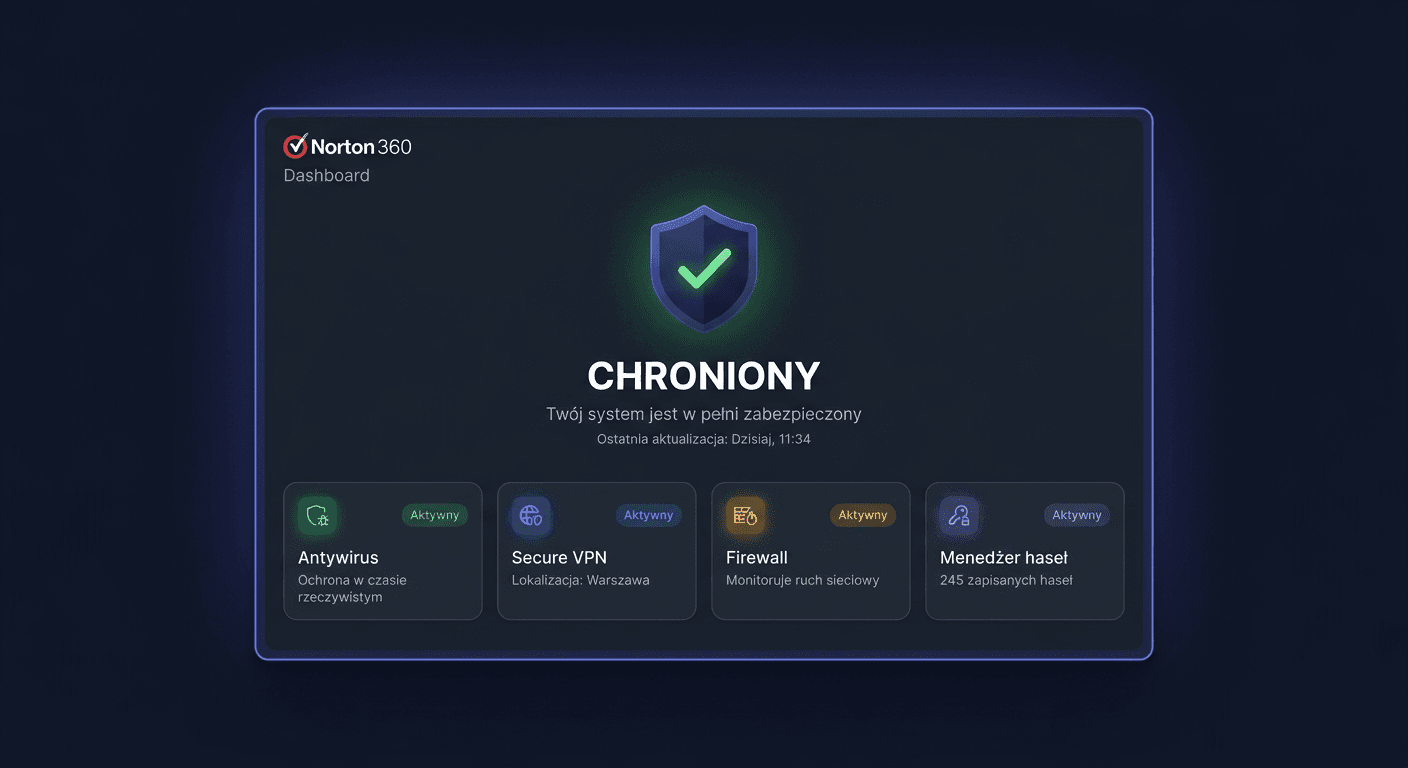
You can check the activation in three ways. In the application, you should see the protection status Secure or Protected. In your Norton account, in the subscription section, you will see the active plan and the expiration date. Additionally, in the VPN and scanning module, you should not see messages about the trial version or the need to renew.
Troubleshooting
“The product key you entered is invalid”
This usually means a typo or entering a key from a different product. Check the characters 0/O and 1/I, remove spaces, and make sure you are activating Norton 360, not another package.
“The product key has already been activated” / “associated with another account”
The key has been assigned to another Norton account. Log in to the correct email address used for the previous activation or contact support.
“We are in the process of activating this product key”
The activation is being processed on the Norton side. Wait a few or several minutes, log out, and log in again.
“You are requesting a non-downloading product”
The account has been assigned a product that cannot be downloaded in this mode. Most often, it helps to go to My Subscriptions and download the installer directly from the active subscription.
“Failed to activate your online storage”
The error concerns the activation of cloud backup. Usually, reinstalling the Norton package with the Norton Remove and Reinstall tool and re-logging into the account helps.
“Behavioral Protection is turned off” / “Fix Now” does not work
Restart your computer. If the problem returns, perform a full reinstallation of Norton. Often, the cause is damaged protection components after a system update.
Purchase from a stationary store or marketplace does not activate
Sometimes the key was not properly confirmed by the seller or was previously returned. In such a situation, contact with the seller and verification of the code are necessary.
Version Comparison
| Version | Devices | Period | Most important differences | Price at KluczeSoft |
|---|---|---|---|---|
| Norton 360 Standard | 1 | 12 months | AV, VPN, password manager, backup for Windows | 49,00 zł |
| Norton 360 Deluxe | 3 | 12 months | More devices, more family features | 62,00 zł |
| Norton 360 Deluxe | 5 | 12 months | Better choice for a home with multiple devices | 79,00 zł |
| Norton 360 Premium | 10 | 12 months | For a larger family or many devices | 104,00 zł |
If you need help or have questions, please contact us at [email protected] or call 00 800 121 1654.
Summary
Norton 360 Standard is a good choice if you want to secure one device without purchasing an extended family package. You get an antivirus, VPN, and basic privacy features in one annual subscription, and activation is done through a Norton account, not through Windows system scripts.
If you encounter problems with assigning a key, downloading the installer, or activating your account after purchasing from KluczeSoft, it's worth starting by checking your correct Norton login, and then, if necessary, contacting Norton support at 00 800 121 1654.