
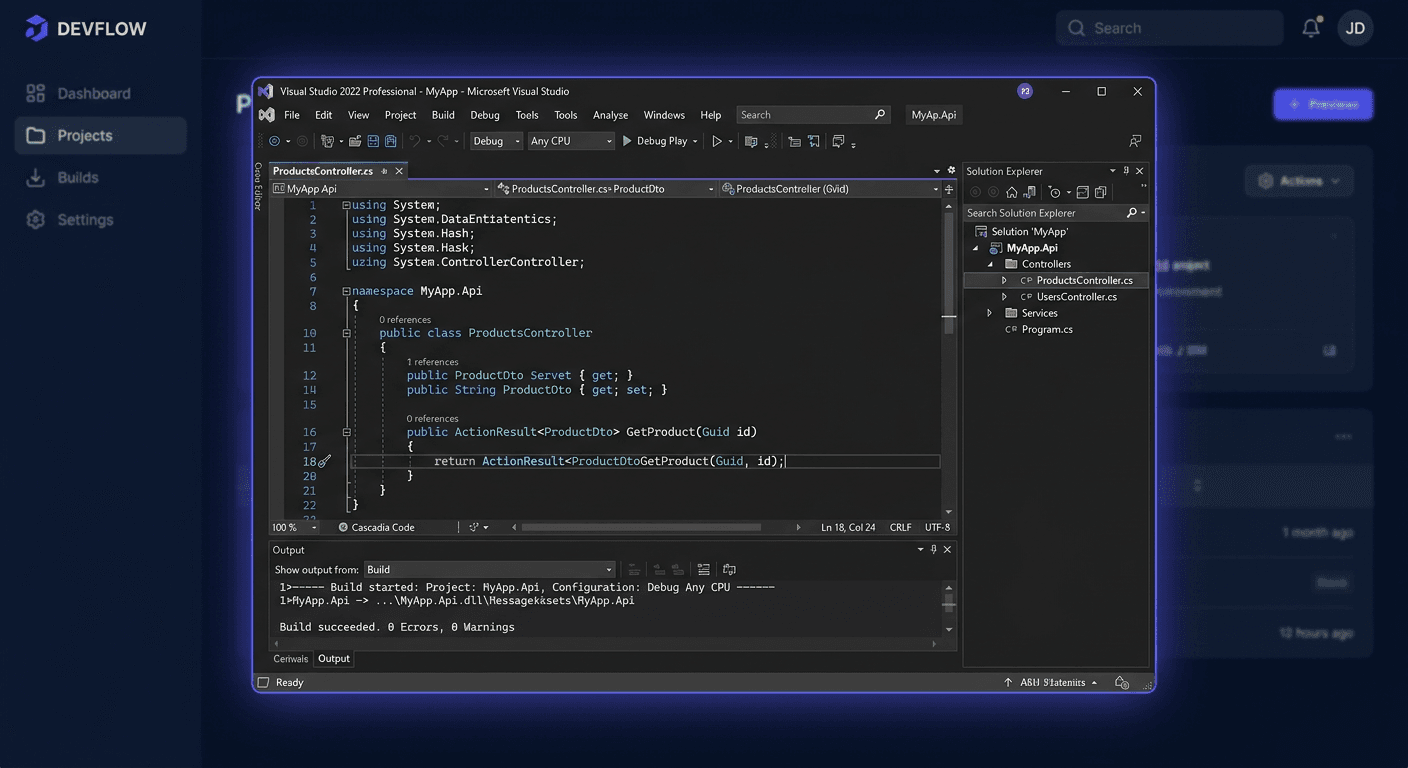
Before you start — Visual Studio 2022 Enterprise
Microsoft Visual Studio 2022 Enterprise is the latest and highest edition of Microsoft's IDE. The first 64-bit Visual Studio. Perpetual license — a one-time purchase without a subscription.
- Basic support: around October 2027
- Extended support: around 2032
Enterprise-exclusive features:
- IntelliTest — automatic test generation,
- Live Unit Testing — background testing while coding,
- Code Coverage — code test coverage,
- Architecture Diagrams — architecture visualisation,
- IntelliTrace — advanced diagnostics,
- extended Hot Reload.
New features in 2022 vs 2019:
- 64-bit architecture — stability with large projects,
- AI-powered IntelliCode — intelligent code suggestions,
- improved Git support,
- support for .NET 6/7/8,
- support for ARM64,
- overall higher performance.
Note: activation does not use
ospp.vbs. The key is entered in the IDE.
At KluczeSoft.pl, you receive a digital key with immediate email delivery.
System requirements
| Component | Requirement |
|---|---|
| Operating system | Windows 10 v1909+ / Windows 11 |
| Processor | 1.8 GHz, 4-core |
| RAM | 8 GB minimum, 16 GB recommended |
| Disk space | 20–50 GB (depending on workloads) |
| Display | 1920 × 1080 recommended |
Download
Official installer: https://visualstudio.microsoft.com/downloads/
Select Visual Studio 2022 Enterprise. Download from the official source for the current installer and full activation compatibility.
Installation
1. Run Visual Studio Installer as administrator
2. Select workloads
- ASP.NET and web development
- .NET desktop development
- C++ desktop development
- Azure, Mobile, Game development
- Test Tools Core Features
3. Individual components
The Individual components tab — SDKs, compilers, emulators, testing tools.
4. Install
Click Install. The time depends on the selected workloads and link speed.
Activation
With a product key
Help → Register Product → Unlock with a Product Key
- Run Visual Studio 2022 Enterprise.
- Help → Register Product.
- Unlock with a Product Key.
- Enter the key from KluczeSoft.
- Confirm.
With a Microsoft account
Log in with an account with an assigned VS Enterprise subscription.
Verification
- Help → About — check the Enterprise edition and license status.
- Help → Register Product — should show Licensed.
What's new in VS 2022 vs 2019
64-bit architecture
The first VS version running natively in 64 bits. Stability with large projects, better RAM usage, more convenient work with multiple extensions.
IntelliCode with AI
Intelligent code suggestions based on pattern analysis and artificial intelligence. Faster writing, more accurate suggestions.
Hot Reload
Faster testing of changes without a full application restart.
.NET 6/7/8
Full integration with the modern .NET ecosystem — new SDKs, templates, debugging, publishing.
Git improvements
Branch, commit, and pull request management directly in the IDE.
Higher performance
Faster solution opening, smoother editor, better responsiveness.
If you need help, please contact us at [email protected] or call 00 800 121 1654.
Troubleshooting
1. Installer does not start
Run as administrator, update Windows, disable restrictive antivirus.
2. Insufficient disk space
Free up space, uncheck unnecessary workloads, move package location.
3. Component download errors
Check internet, disable VPN/proxy, try again.
4. Key is not accepted
Make sure: key for VS 2022 Enterprise (not Professional, not 2019). No typos. Help → Register Product → Unlock with a Product Key.
5. Activation does not complete successfully
Check internet, run VS as administrator, update to the latest build, restart system.
6. Missing Enterprise features
Check Help → About if it's Enterprise. Install missing workloads in VS Installer.
Version Comparison
| Feature | Community | Professional | Enterprise |
|---|---|---|---|
| Price | Free (limited) | Paid | Paid |
| Commercial use | Limited | Yes | Yes |
| Live Unit Testing | No | No | Yes |
| IntelliTest | No | No | Yes |
| Code Coverage (full) | No | No | Yes |
| IntelliTrace | No | Limited | Yes |
| Architectural tools | Basic | Basic | Extended |
| Best for | Learning, hobby | Freelancers, companies | Large organisations, QA |
Enterprise is the best choice for large business systems, advanced testing, diagnostics, and team work.
Summary
Visual Studio 2022 Enterprise — the most modern IDE with 64-bit architecture, perpetual licence, support until ~2032.
- Download:
visualstudio.microsoft.com/downloads/ - Installation: VS Installer → workloads → Install
- Activation: Help → Register Product → Unlock with a Product Key (NOT ospp.vbs!)
- Verification: Help → About → check "Licensed"
Support: 00 800 121 1654
Also check: Visual Studio 2022 Professional, Visual Studio 2019 Enterprise at KluczeSoft.pl. For any questions, please contact us at [email protected] or visit our website for more information about Microsoft products, including Windows, Office, and more.