
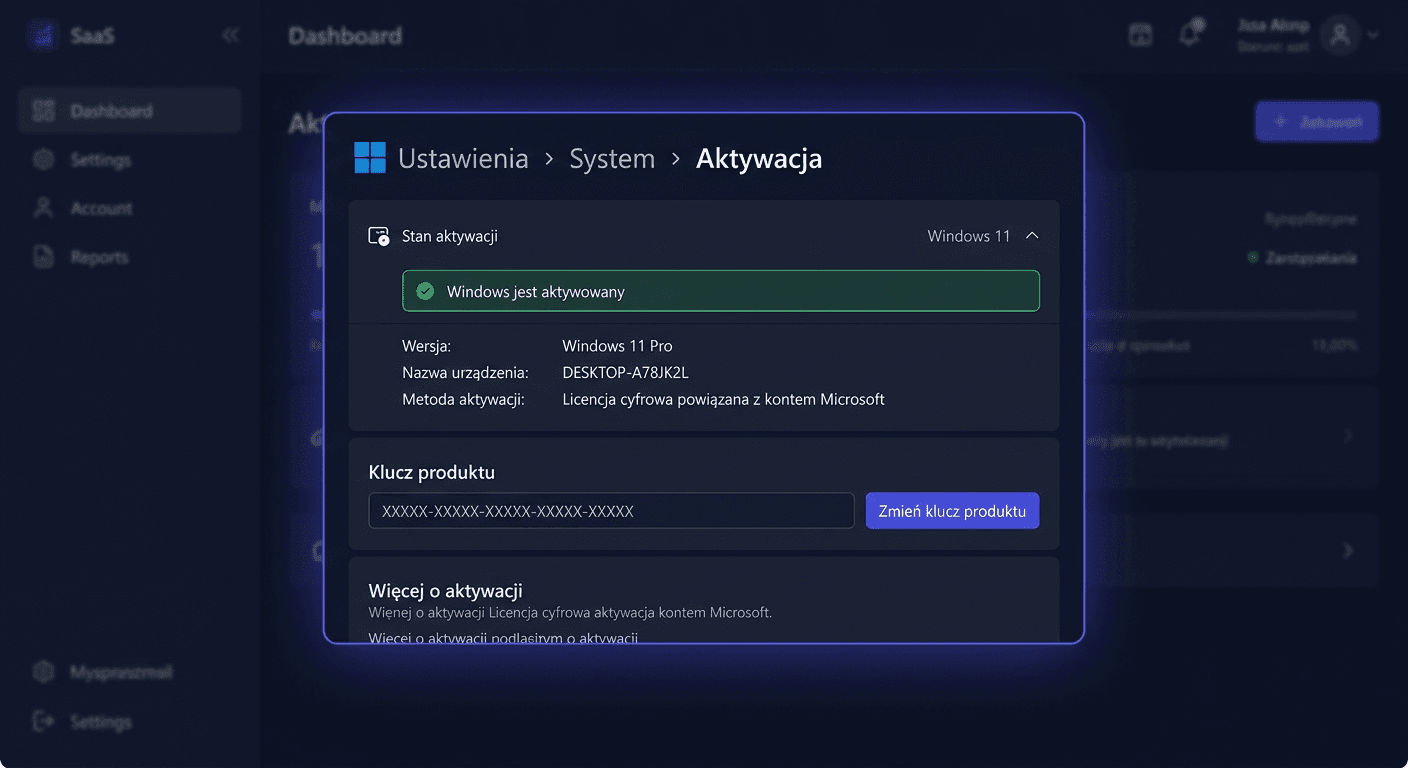
Windows 10 Pro vs Windows 11 Pro - which one is more cost-effective?
The choice of the right Windows operating system version is crucial for effective work, application compatibility, and security. In this article, we will compare Windows 10 Pro and Windows 11 Pro to help you decide which one is best for your needs.
Quick comparison table
| Feature | Windows 10 Pro | Windows 11 Pro |
|---|---|---|
| Hardware requirements | Less demanding | More demanding |
| Application compatibility | Wide compatibility | Compatibility with newer applications |
| Security | Advanced security features | New security features, such as Biometric Authentication |
| Ergonomics | Classic interface | New, refreshed interface |
| Price | Usually lower | Usually higher |
Windows 10 Pro and Windows 11 Pro have many common features, but also significant differences. Windows 10 Pro is a more mature system, with wider application compatibility and lower hardware requirements. On the other hand, Windows 11 Pro offers a new, refreshed interface and advanced security features.
Application compatibility
Application compatibility is one of the most important factors when choosing an operating system. Windows 10 Pro has wider compatibility with applications, including older ones. Windows 11 Pro also offers good compatibility, but may require updates for some applications.
| Application | Windows 10 Pro | Windows 11 Pro |
|---|---|---|
| Microsoft Office | Full compatibility | Full compatibility |
| Adobe Creative Cloud | Full compatibility | Full compatibility |
| Older applications | Usually compatible | May require updates |
Security
Security is a key aspect of an operating system. Both systems offer advanced security features, but Windows 11 Pro has new features, such as Biometric Authentication.
| Security feature | Windows 10 Pro | Windows 11 Pro |
|---|---|---|
| Firewall | Yes | Yes |
| Malware protection | Yes | Yes |
| Biometric Authentication | No | Yes |
Key differences
The key differences between Windows 10 Pro and Windows 11 Pro are:
- Hardware requirements: Windows 11 Pro is more demanding
- Application compatibility: Windows 10 Pro has wider compatibility
- Security: Windows 11 Pro has new security features
- Ergonomics: Windows 11 Pro has a new, refreshed interface
When to choose Windows 10 Pro?
Windows 10 Pro is a good choice when:
- You have an older device that does not meet the hardware requirements of Windows 11 Pro
- You need wider application compatibility
- You want to use the classic interface
When to choose Windows 11 Pro?
Windows 11 Pro is a good choice when:
- You want to use the new, refreshed interface
- You need new security features
- You have a newer device that meets the hardware requirements
Recommendation
Based on the above comparisons, we recommend Windows 11 Pro for those who want to use the new, refreshed interface and new security features. For those who have an older device or need wider application compatibility, Windows 10 Pro may be a better choice.
Summary
The choice between Windows 10 Pro and Windows 11 Pro depends on your individual needs and hardware requirements. Before making a decision, consider the hardware requirements, application compatibility, security, and ergonomics. With our recommendation, you can be sure that you are choosing the right operating system for your needs. If you have any further questions or concerns, please do not hesitate to contact us at [email protected] or call us at 00 800 121 1654.