
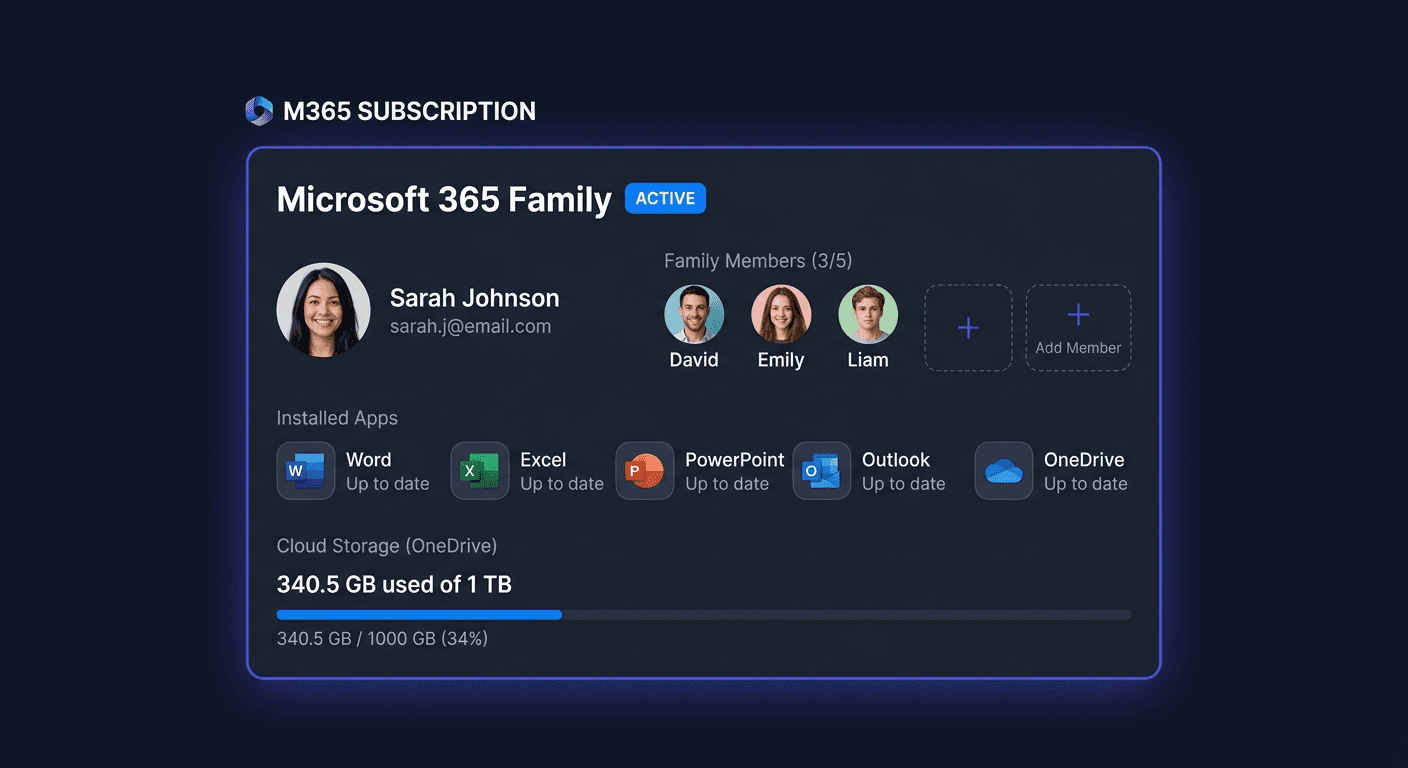
Error 0x4004F00D: Microsoft 365 Subscription Expired
This error occurs in: Microsoft 365 Personal, Microsoft 365 Family, Microsoft 365 Business.
Cause
The Microsoft 365 subscription has expired. Office has switched to read-only mode (reduced functionality mode).
Symptoms
- During activation, the message appears: "Microsoft 365 subscription has expired"
- Error code:
0x4004F00D - English version: "Microsoft 365 subscription has expired"
Step-by-Step Solution
Renew your subscription at microsoft365.com or in Settings > Account > Manage subscription. After renewing, sign in to Office again.
Solution for Office
- Open any Office application (Word, Excel)
- File → Account → Change product key
- Enter the key from KluczeSoft
- Click Activate
Or via command line:
cd "C:\Program Files\Microsoft Office\Office16"
cscript ospp.vbs /inpkey:XXXXX-XXXXX-XXXXX-XXXXX-XXXXX
cscript ospp.vbs /act
Verification
After performing the steps, check if the activation was successful:
- Office: File → Account → Status: "Product activated"
- Or:
cscript ospp.vbs /dstatus
Still Not Working?
If the above steps did not help:
- Check the date and time — they must be correct (an incorrect date can block activation)
- Temporarily disable antivirus and try again
- Check your internet connection — online activation requires a connection to Microsoft servers
- Contact us:
- Email: [email protected]
- Phone: 00 800 121 1654 (toll-free)
- Help Centre: pomoc.kluczesoft.pl