
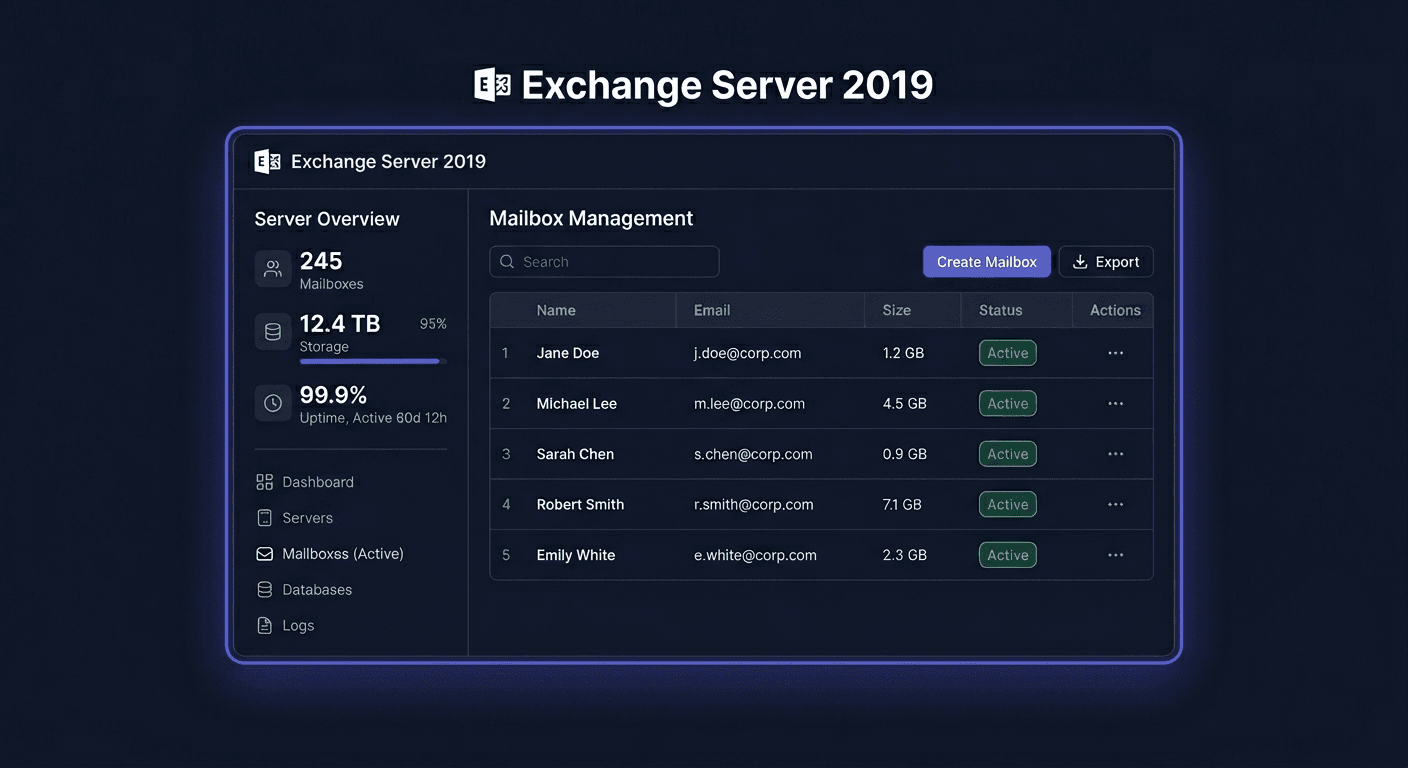
Microsoft Exchange Server 2019 Standard Activation Guide
Microsoft Exchange Server 2019 Standard is activated after installation, by entering a valid product key into the already running Exchange server. This guide only concerns the activation of the server license, without describing the system installation or roles.
What to know before activation
If you do not enter the key, Exchange will operate as a trial version. After activation, the server will switch to the proper licensed edition. In the case of activating Exchange Server 2019 Standard, the most important thing is to use a key assigned exactly to this product version.
After entering the key on the mailbox server, you need to restart the Microsoft Exchange Information Store service for the change to be applied correctly.
Note: Exchange CAL licenses are not activated with a key on the server. CAL is a legal document/license for a user or device, and not a separate activation process in the Exchange console.
Activation with a product key in GUI
Activation can be performed from the Exchange Admin Center:
- Open EAC.
- Go to Servers > Servers.
- Select the server you want to activate.
- Click Edit or Enter Product Key.
- Enter the 25-character product key.
- Save the changes.
After saving, restart the Information Store service.
Restart-Service MSExchangeIS
The GUI method is the most convenient when managing a single server and you want to quickly confirm the edition change in the admin panel.
Activation with a product key in CMD / Exchange Management Shell
The most reliable administrative method is to use Exchange Management Shell. Enter the key with the command:
Set-ExchangeServer -Identity EXCH-SRV01 -ProductKey XXXXX-XXXXX-XXXXX-XXXXX-XXXXX
Instead of EXCH-SRV01, enter the name of your Exchange server. After accepting the key, restart the service:
Restart-Service MSExchangeIS
If you are working remotely or documenting the process for the IT department, this method is usually the best, as it leaves a clear, repeatable set of steps.
Telephone activation: 00 800 121 1654
If online activation does not work, the key is rejected despite the correct format, or after changing hardware, a problem occurs with reusing the license, proceed to telephone activation or verification through Microsoft.
Contact number: 00 800 121 1654
During the conversation, prepare:
- the full product key,
- information that it is about Microsoft Exchange Server 2019 Standard,
- the server name,
- error description and its code,
- purchase data or licensing channel.
The telephone path is particularly useful when the system considers the key to be already used, requires manual validation, or the environment does not have proper connectivity with Microsoft's activation services.
Activation verification
After activation, check the status with the following commands.
Verification of a single server:
Get-ExchangeServer EXCH-SRV01 | Format-List Name,Edition,*Trial*
Verification of all Exchange servers in the organization:
Get-ExchangeServer | Format-Table -Auto Name,Edition,*Trial*
What you should see:
Editionshould indicate the proper edition, e.g.Standard.- the property related to the trial mode should not indicate an active trial version.
Additionally, you can confirm the status in EAC in the server view, where the edition and information about whether the server is licensed are visible.
If you need help or have questions, please contact us at [email protected] or call 00 800 121 1654.
Troubleshooting Activation
Below are the most common, real errors encountered during the activation of Microsoft server products, also in Exchange environments:
0xC004F050
The product key is invalid or does not match this product version. Most often, it means a typo, incorrect license channel, or an attempt to use a key from another edition.
0xC004C003
The activation server rejected the key. Usually, it means a blocked, revoked, or incorrect key for the given licensing scenario.
0xC004C008
The key has been used more times than the license allows. Such a case often occurs after migration, failure, or hardware replacement. Then, it's worth using the phone number 00 800 121 1654.
0xC004F074
Problem with contact to the activation service or KMS infrastructure. In practice, check DNS, system time, network connection, and license channel.
0x80072EE7
The server cannot resolve the hostname of the activation service. Most often, the culprit is DNS or lack of internet access.
0x80072EFD
No connection to the Microsoft activation service. Check the firewall, proxy, traffic filtering, and availability of outgoing ports.
0xC004C020
The activation limit for the key has been exceeded. In such a case, manual license verification by Microsoft is required.
What to Do When the Key Does Not Work
If the key does not work, perform these steps in this order:
- Check if you are entering the key for Exchange Server 2019 Standard, not for another product or edition.
- Verify that there are no typos and that the key has all 25 characters.
- Ensure that the server is not running on another conflicting key.
- Repeat the activation with Exchange Management Shell instead of GUI.
- Restart the
MSExchangeISservice. - Verify the status with the
Get-ExchangeServercommand. - If the key is still rejected, contact Microsoft at 00 800 121 1654 and prepare the error code and proof of purchase.
Reactivation After Hardware Change
After significant hardware changes, machine migration, motherboard replacement, or environment restoration on a new host, activation may require re-validation. The symptom is usually a message about the activation limit being exceeded or a correct key being rejected.
In such a situation:
- re-enter the key through
Set-ExchangeServer, - check the activation status,
- if the key is rejected, proceed to telephone verification at 00 800 121 1654.
In practice, Microsoft may ask for confirmation that the license has been transferred in accordance with the licensing terms and is not being used simultaneously on another server.
Summary
Activating Microsoft Exchange Server 2019 Standard comes down to entering the correct product key in EAC or through Exchange Management Shell, and then restarting the MSExchangeIS service and verifying with the command:
Get-ExchangeServer EXCH-SRV01 | Format-List Name,Edition,*Trial*
If activation fails, the key is rejected, or reactivation is needed after hardware changes, the fastest escalation path is to contact Microsoft at 00 800 121 1654. For additional support, you can also contact KluczeSoft at [email protected].