
Is the Microsoft 365 Personal key original and legitimate?
Yes, provided it comes from a legitimate sales source and has been introduced into circulation in accordance with applicable regulations. In practice, the customer should receive a full, unused activation key or access to a legitimate subscription assignment procedure to their Microsoft account. Originality means that the product can be activated on the official Microsoft website and linked to the user's own account.
It's worth remembering that Microsoft 365 Personal is not a classic perpetual license, but a subscription. After activation, the service works for a specified period, usually 12 months. If the offer looks suspiciously cheap or does not contain clear information about the type of license, it's best to check the conditions before purchasing.
How many devices does Microsoft 365 Personal cover?
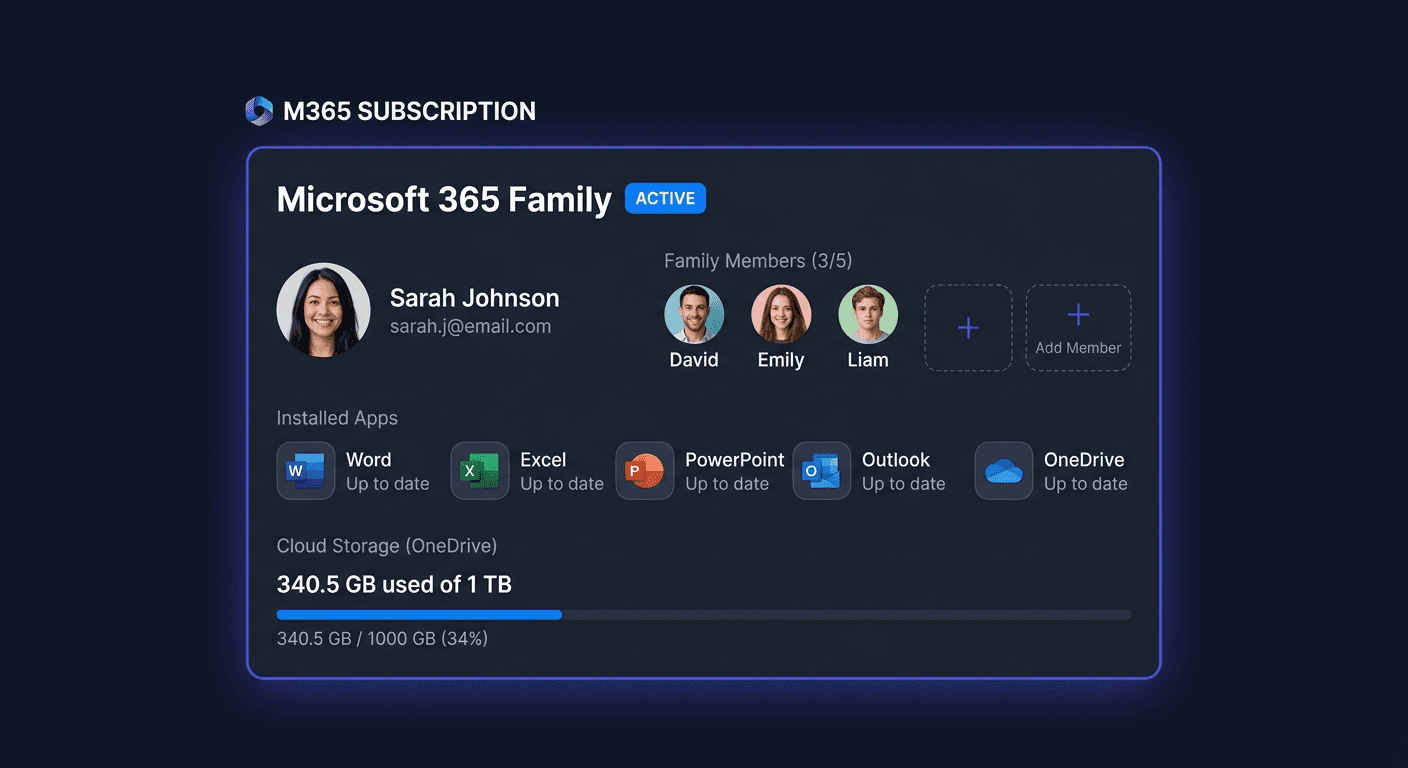
Microsoft 365 Personal is intended for 1 user, but that user can use the applications on several of their devices. This means the possibility of installing it on a Windows computer, Mac, tablet, and smartphone, while maintaining the principle that the subscription is assigned to one person.
In practice, you can log in to your Microsoft account and manage devices from the account panel. This is a convenient solution for people who work on a laptop, home computer, and phone at the same time.
Is Microsoft 365 Personal a perpetual license?
No. Microsoft 365 Personal is a time-limited, renewable license, usually for 1 year. After the subscription period expires, the applications do not stop working completely immediately, but switch to limited functionality mode if you do not renew access.
If you're looking for a perpetual package, you usually need to look at editions like Office 2021 or Office 2024 sold as a one-time purchase. Microsoft 365 Personal is chosen mainly when you depend on updates, OneDrive cloud, and always up-to-date program versions.
Can I transfer the subscription to another computer?
Yes. Since Microsoft 365 Personal is assigned to a Microsoft account, and not permanently to one computer, you can uninstall the package on the old device and log in on the new one. Installation management is done online from the user account level.
This is an important difference compared to some older or more restrictive license types. In the event of a hardware change, there is usually no need to purchase a new key, as long as the subscription is still active.
What is the difference between Microsoft 365 Personal and Standard, Pro, or PP editions?
In the case of Microsoft 365 Personal, we are talking about a subscription for a home user, not a classic perpetual license known from Office LTSC, Office Home & Business, or packages marked as Standard/Professional Plus. Editions like Standard, Pro, or PP (Professional Plus) usually refer to business licenses, collective or older office package sales models.
Simply put:
- Microsoft 365 Personal: 1 user, subscription, regular updates, online services.
- Standard: usually a basic set of office applications, more often found in business environments.
- Professional / Professional Plus: an extended set of programs, often with additions for businesses and administration.
If you're buying a product for home use and want a legal, simple solution with updates, Microsoft 365 Personal is usually more suitable than volume or Professional Plus editions.
If you have any further questions or concerns, please do not hesitate to contact us at [email protected] or call us at 00 800 121 1654.
Does Microsoft 365 Personal work on Windows 10, Windows 11, and macOS?
Yes, the package works on Windows 10, Windows 11, and macOS, provided the device meets the current Microsoft technical requirements. The applications are downloaded from the official user account after logging in, so an active internet connection is also important during installation and activation.
On Apple computers, the availability of features may differ slightly from the Windows version, but basic programs such as Word, Excel, PowerPoint, or Outlook also work on Mac.
What to do when the key does not work?
First, check if the key was entered without errors and if you are activating it on the correct Microsoft page. Also, make sure you are logging in to your target Microsoft account, as after assigning the subscription to the account, it cannot be easily transferred between different profiles.
If the problem still occurs, prepare:
- a screenshot of the error message,
- the email address of the Microsoft account,
- the order number,
- the received key.
In such a situation, it is best to contact the seller. Reliable support usually quickly verifies whether the problem is due to a typo, region, previous activation, or incorrect product type.
How long does Microsoft support Microsoft 365 Personal?
Support for Microsoft 365 Personal lasts as long as an active subscription is maintained and the given service version remains in Microsoft's official development cycle. This is one of the main advantages of the 365 model: the user receives current feature updates, security fixes, and compatibility with newer systems.
Unlike perpetual licenses, you are not limited to a "frozen" version of the package. You have access to the current work environment throughout the subscription period.
Will I receive a VAT invoice and how quickly will I get the key?
In a professional online store, the customer receives a VAT invoice or another sales document in accordance with the form of purchase. This is an important element confirming the legal origin of the product and a useful document for companies and individuals running a business.
The key or activation instructions are usually delivered electronically, often very quickly after paying for the order. In many cases, shipping is automated to the email address, so you can use the package even on the same day.
Can I install Microsoft 365 Personal offline?
Not fully at the beginning. An internet connection is required to download the package, log in to the Microsoft account, and activate the subscription. After installation, applications can work locally, but the service periodically requires online verification of subscription validity.
If you need a solution completely isolated from the internet, Microsoft 365 Personal is usually not the best choice. This is a product designed with integration with the Microsoft account and cloud services in mind.
If you have any further questions or concerns, please do not hesitate to contact us at [email protected] or call us at 00 800 121 1654.
How does the OEM, Retail, and Volume licence from Microsoft differ from Microsoft 365 Personal?
This is a very important distinction. Microsoft 365 Personal does not work on the same principles as traditional Office licences sold as OEM, Retail, or Volume.
- OEM: usually assigned to the first device and less flexible when changing hardware.
- Retail: a classic retail licence, usually more flexible when transferring.
- Volume: bulk licences intended mainly for companies, institutions, and administration.
- Microsoft 365 Personal: a subscription for 1 user, linked to a Microsoft account, with updates and online services.
Therefore, before making a purchase, it's worth ensuring that you choose exactly the model you need. For a home user, Microsoft 365 Personal is usually simpler and more convenient than bulk or corporate licences.