
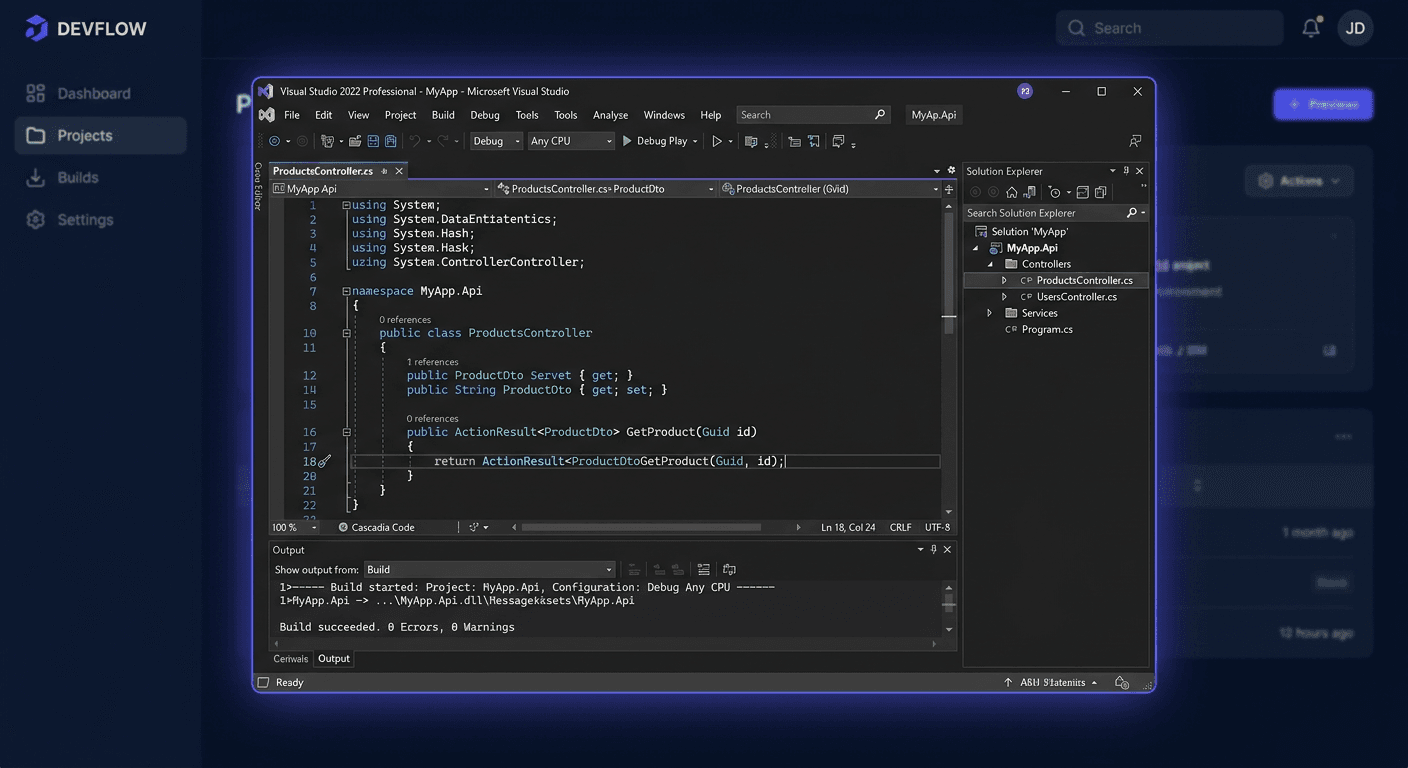
Before You Begin — Visual Studio 2019 Enterprise
Microsoft Visual Studio 2019 Enterprise is the highest edition of Microsoft's IDE, designed for large organisations, development teams, architects, and QA departments. Perpetual licence — a one-time purchase. Extended support until April 2029.
Features available exclusively in Enterprise:
- IntelliTest — automatic generation of unit tests,
- Live Unit Testing — background testing while writing code,
- Code Coverage — code coverage analysis by tests,
- Architecture Diagrams — visualisation and validation of architecture,
- Load Testing Tools — performance testing,
- IntelliTrace — advanced diagnostics and application execution analysis.
Note: Visual Studio activation does not use
ospp.vbs. The key is entered in the IDE: Help → Register Product.
At KluczeSoft.pl, you receive a digital key with fast email delivery.
System Requirements
| Component | Requirement |
|---|---|
| Operating System | Windows 10 v1703+ / Windows 11 |
| Processor | 1.8 GHz, recommended quad-core |
| RAM | 8 GB recommended |
| Disk Space | 20–50 GB (depending on workloads) |
| Display | 1366 × 768 |
For large solutions, 16 GB RAM and an SSD are recommended.
Download
Download from the official website: https://visualstudio.microsoft.com/vs/older-downloads/
Consider preparing a local installation cache for corporate deployments.
Installation
1. Run Visual Studio Installer
As an administrator. Select the Enterprise edition.
2. Choose Workloads
Select the required toolsets:
- ASP.NET and web applications,
- .NET desktop,
- C++ desktop,
- Python, Azure, Mobile,
- Test Tools Core Features (Enterprise-exclusive).
3. Individual Components
The Individual components tab — add SDKs, compilers, emulators, testing tools.
4. Install
Click Install. The time depends on the selected workloads.
Activation
Product Key (most common method)
Help → Register Product → Unlock with a Product Key
- Open Visual Studio.
- Help → Register Product.
- Click Unlock with a Product Key.
- Enter the key from KluczeSoft.
- Confirm.
Microsoft Account
Log in with an account with a assigned VS Enterprise subscription.
Verification
- Help → About Microsoft Visual Studio — check the edition and licence status.
- Help → Register Product — should display Licensed.
What Distinguishes Enterprise from Professional
IntelliTest
Automatic code analysis and test generation for different execution paths. Huge time savings in large projects.
Live Unit Testing
Background tests — you immediately see coverage and regressions. Key for CI/CD and TDD.
Code Coverage
Analysis of which part of the code is executed by tests. Detects modules omitted by testing.
Architecture Diagrams
Documentation of dependencies, system structure visualisation, consistency monitoring.
Load Testing Tools
Performance and load testing for corporate systems.
IntelliTrace
Replay of application execution, analysis of hard-to-reproduce errors.
Enterprise makes sense when: large team, business-critical systems, high quality requirements, need for advanced testing and diagnostics.
If you need help, please contact us at [email protected] or call 00 800 121 1654.
Troubleshooting
1. Installer does not start
Run as administrator, update Windows, disable blocking software.
2. Insufficient disk space
Free up space, change download location, install only necessary workloads.
3. Component download errors
Check internet, proxy, firewall. In a company, consult the Microsoft domain whitelist with IT.
4. Key does not work
Make sure it's a key for VS 2019 Enterprise (not Professional). Without additional spaces. Help → Register Product → Unlock with a Product Key.
5. No Licensed status
Close and restart VS. Check Help → Register Product. Check internet.
6. No project templates
VS Installer → Modify → add missing workload or component.
7. Slow operation
Increase RAM (16 GB+), SSD, limit extensions, remove unnecessary components.
Version comparison
| Function | Community | Professional | Enterprise |
|---|---|---|---|
| Commercial use | Limited | Yes | Yes |
| IntelliTest | No | No | Yes |
| Live Unit Testing | No | No | Yes |
| Code Coverage (full) | No | No | Yes |
| Architecture Diagrams | No | Limited | Yes |
| Load Testing | No | No | Yes |
| IntelliTrace | No | Limited | Yes |
| Best for | Learning, hobby | Freelancers, companies | Large organisations, QA |
Summary
Visual Studio 2019 Enterprise — the most advanced IDE with a perpetual licence, support until 2029.
- Download:
visualstudio.microsoft.com - Installation: VS Installer → workloads → Install
- Activation: Help → Register Product → Unlock with a Product Key (NOT ospp.vbs!)
- Verification: Help → About → check "Licensed"
Support: 00 800 121 1654
Also check: Visual Studio 2022 Enterprise, Visual Studio 2019 Professional at KluczeSoft.pl. If you have any questions, please contact us at [email protected].