
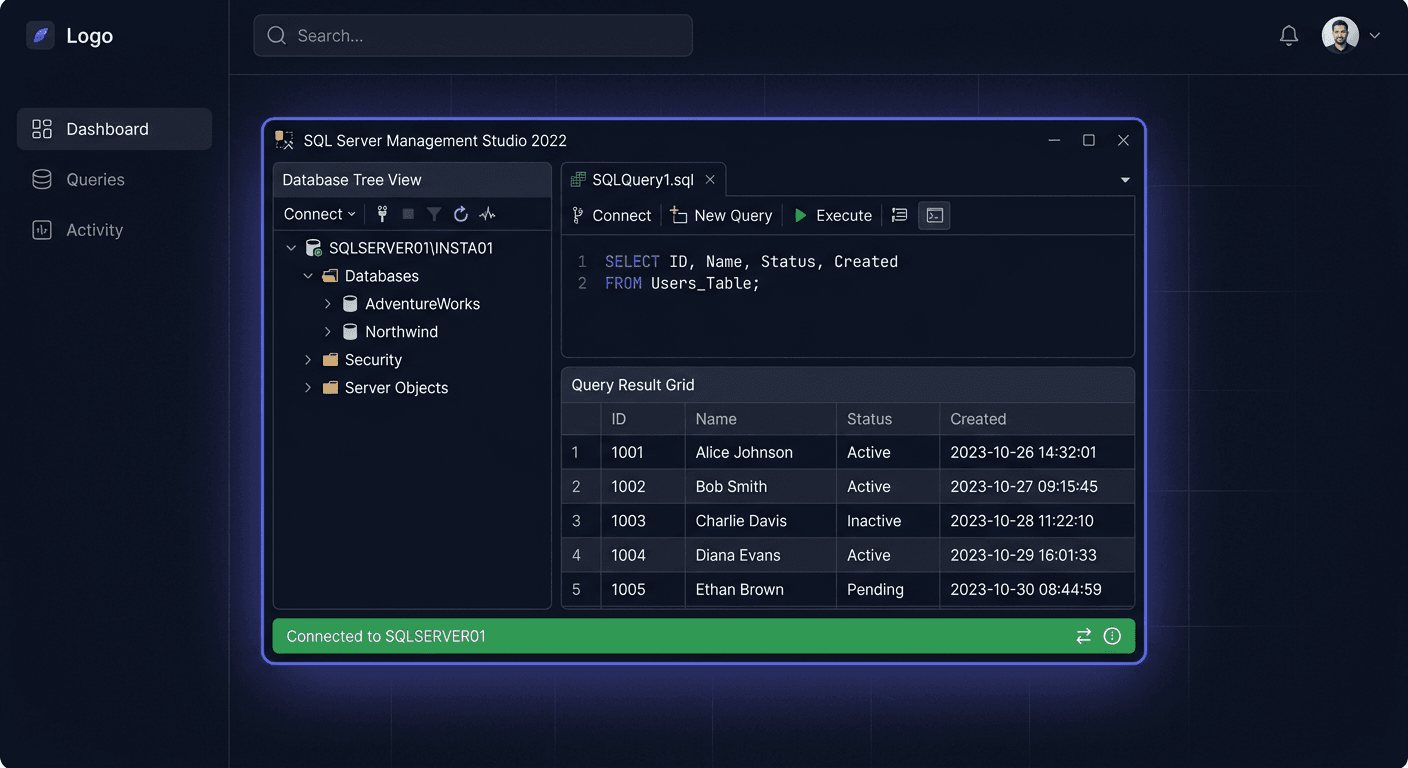
Before You Begin
SQL Server 2016 Standard is the version that introduced fundamental security features — Always Encrypted, Row-Level Security, Dynamic Data Masking — and first offered Query Store. Released on 1 June 2016, priced at 989 zł for 24 Core, it is the cheapest SQL Server in the KluczeSoft offer.
WARNING: Extended support ends on 14 July 2026 — in about 3 months! Plan your migration to SQL 2019 (2149 zł) or 2022 (2999 zł).
Support Cycle
| Stage | Date |
|---|---|
| Release Date | 1 June 2016 |
| End of Mainstream Support | 13 July 2021 (ended) |
| End of Extended Support | 14 July 2026 (SOON!) |
System Requirements
| Component | Minimum | Recommended |
|---|---|---|
| Operating System | Windows Server 2012 | Windows Server 2016 |
| Processor | x64, 1.4 GHz | 2.0 GHz+ |
| RAM | 1 GB | 4 GB+ (Standard max: 128 GB) |
| Disk | 6 GB | SSD |
| .NET | 4.6+ | 4.8 |
Important: SQL Server 2016 DOES NOT WORK on Windows Server 2019 or 2022. It supports WS 2012, 2012 R2, and 2016.
Standard vs Enterprise
| Feature | Standard | Enterprise |
|---|---|---|
| Max RAM | 128 GB | Unlimited |
| Max cores | 24 | Unlimited |
| Partitioning | ✓ | ✓ |
| Data compression | ✓ | ✓ (full) |
| Always Encrypted | ✓ | ✓ |
| Price | 989 zł | On request |
Step 1: Download SQL Server 2016 SP3
- Microsoft Evaluation Center → SQL Server 2016 with Service Pack 3 (latest version)
- Or Volume Licensing Service Center (VLSC)
- SP3 includes all fixes up to March 2019
Step 2: Prerequisites
- Windows Server 2012/2012 R2/2016 (NOT newer!)
- .NET Framework 4.6+
- All Windows Update updates
- PowerShell 3.0+
Step 3: Installation
- Mount the ISO, run setup.exe as Administrator
- New SQL Server stand-alone installation
- Enter the product key from KluczeSoft (989 zł) or select Evaluation
- Select: Database Engine Services, Replication, Full-Text Search
- Mixed Mode authentication, strong sa password
- Data directories on separate disks
- Install — 15-30 minutes
Step 4: Activation
Method A: During Installation
Enter the key on the Product Key screen.
Method B: SSMS
Server properties → Change → enter key → restart service.
Method C: Edition Upgrade
Setup.exe → Maintenance → Edition Upgrade → key.
Verification
Result: Standard Edition (64-bit), Version: 13.0.xxxx.
Step 5: Configuration
Memory
TCP/IP and Firewall
Configuration Manager → TCP/IP Enable → port 1433 → firewall.
Query Store (new in 2016!)
Query Store collects query plan history — key to optimization.
Backup
If you need help or have questions, please contact us at [email protected] or call 00 800 121 1654.
Key Features of SQL Server 2016
| Feature | Description |
|---|---|
| Always Encrypted | Data encrypted even for DBA — key only in the application |
| Row-Level Security | Restricting access to rows at the policy level |
| Dynamic Data Masking | Masking sensitive data (e.g. PESEL: XXX-XXX-XX-XX) |
| Temporal Tables | Automatic history of data changes with versioning |
| Query Store | Collecting query statistics — foundation for optimization |
| Stretch Database | Transparent transfer of old data to Azure |
| Native JSON | Parsing and generating JSON directly in T-SQL |
| PolyBase | Queries to external sources (Hadoop, Azure Blob) |
Licensing
| License | Price at KluczeSoft |
|---|---|
| SQL Server 2016 Standard 24 Core | 989 zł |
| SQL Server 2016 Standard 50 User CAL | 1399 zł |
| SQL Server 2016 Standard 50 Device CAL | 1399 zł |
Price Comparison
| Version | Price | Support until |
|---|---|---|
| SQL 2016 | 989 zł | Jul. 2026 |
| SQL 2017 | 1349 zł | Oct. 2027 |
| SQL 2019 | 2149 zł | Jan. 2030 |
| SQL 2022 | 2999 zł | Jan. 2033 |
Troubleshooting
Installer does not work on WS 2019/2022
SQL 2016 does not support these systems. Use WS 2012/2012 R2/2016 or install a newer version of SQL.
Key rejected
Format: XXXXX-XXXXX-XXXXX-XXXXX-XXXXX. Keys from versions 2017/2019/2022 do not work.
No remote connection
Enable TCP/IP in Configuration Manager. Port 1433 in firewall.
Summary
SQL Server 2016 Standard for 989 zł — the cheapest SQL Server in the offer. A solid base with Always Encrypted, Query Store, and Temporal Tables. But support ends in July 2026 — plan your migration.
Microsoft Poland technical support: 00 800 121 1654 For additional assistance, please contact us at [email protected]