
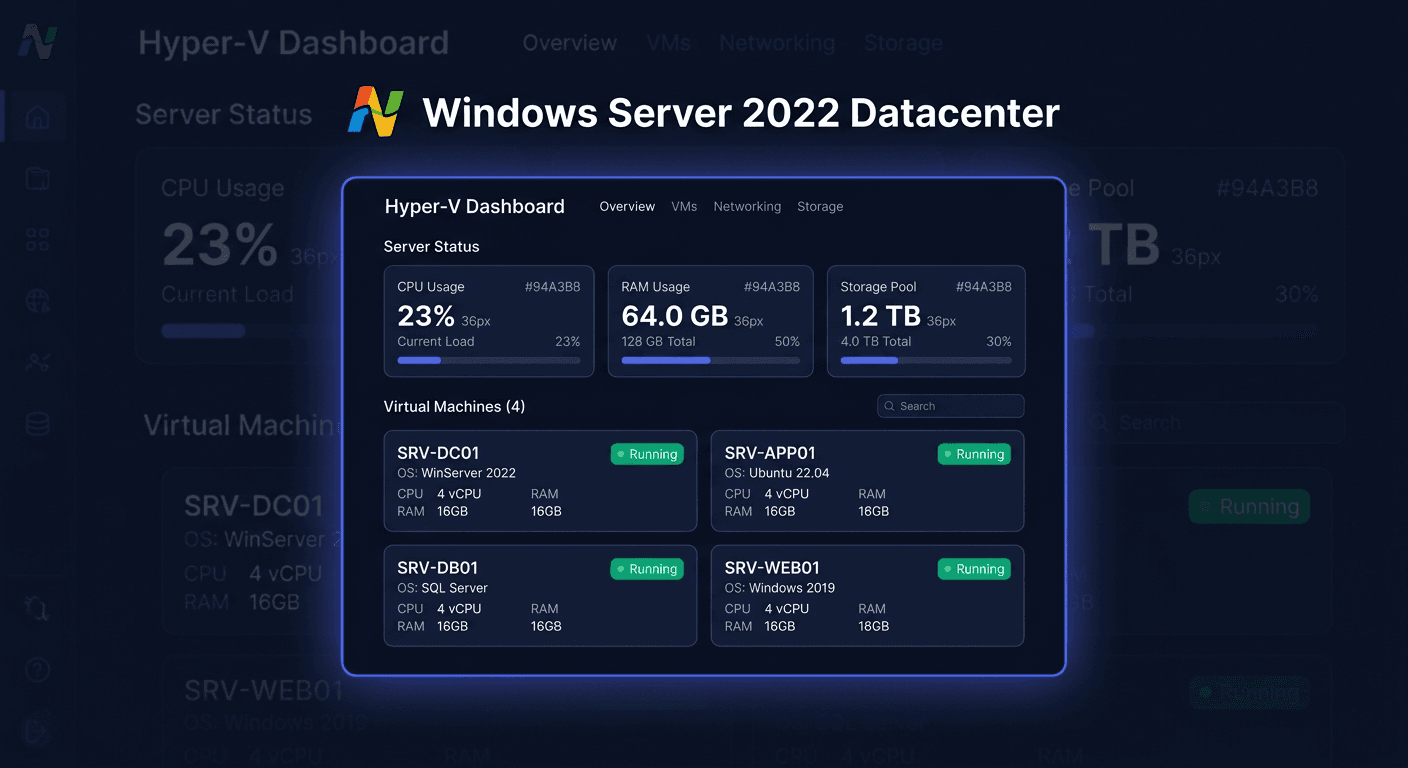
Microsoft Windows Server 2019 Essentials 2CPU — server for a small business up to 25 users, without CAL
Microsoft Windows Server 2019 Essentials 2CPU is an edition designed for small businesses that need a stable server environment without complicated licensing. This solution is suitable where up to 25 users and 50 devices are operating, and a significant advantage is the lack of need to purchase CAL licenses. In practice, this means simpler deployment, lower entry costs, and easier infrastructure management.
The Essentials version is a good choice for an office, online store, service company, or local company network, where a file server, backup, resource sharing, and basic domain services are needed. The license includes an environment for a maximum of 2 CPU processors in one server.
What's included
The buyer receives a complete set of elements necessary for the legal launch of the system:
- Microsoft Windows Server 2019 Essentials 2CPU license,
- product key for system activation,
- installation and activation instructions,
- sales document,
- support for the basic activation procedure.
In the case of digital products, the customer does not receive a physical medium, unless the offer explicitly states otherwise. Most often, the key and instructions are provided, and the installation image is downloaded from a legitimate Microsoft source or from the possessed installation medium.
Note: CAL licenses are not required here. This is one of the key differences compared to the Standard or Datacenter editions in typical small business deployments.
Requirements and compatibility
Before purchasing, it's worth checking the compatibility of the hardware and the planned deployment scenario.
- support for up to 2 CPUs,
- limit of up to 25 users and 50 devices,
- intended for small business environments,
- 64-bit architecture,
- required installation on compatible server hardware or in a compatible virtual environment, if license and technical conditions permit,
- compatibility with typical company services, such as network shares, backups, basic server roles, and user management.
If the company plans further growth, many virtual machines, advanced terminal services, or a more extensive infrastructure, it's worth considering Windows Server Standard. If the environment is legacy or covered by extended ESU support, a migration plan should be considered. For legacy systems, it's not worth delaying modernization, as compatibility, security, and maintenance costs risks increase.
Installation and activation
The installation can be performed standardly from an ISO or DVD medium. After launching the installer, select the appropriate edition, complete the system configuration, and then proceed to activation.
Activation in GUI
After installation, you can activate the system from the graphical interface level:
- Open Settings or the relevant system activation module.
- Go to the activation section.
- Enter the product key.
- Confirm and wait for the connection to Microsoft's activation servers.
If internet activation fails, you can use phone activation.
In case of any issues or questions, please contact us at [email protected] or call 00 800 121 1654 for assistance.
Activation in CMD
Run the Command Prompt as an administrator and enter:
slmgr.vbs /ipk XXXXX-XXXXX-XXXXX-XXXXX-XXXXX
slmgr.vbs /ato
Meaning of the commands:
slmgr.vbs /ipkinstalls the product key,slmgr.vbs /atoinitiates online activation.
If telephone confirmation is required, contact Microsoft's hotline at 00 800 121 1654.
Telephone Activation
Telephone activation is useful when:
- the server does not have internet access,
- online activation ends with an error,
- the key requires additional verification.
When contacting Microsoft, have the installation ID displayed by the activation wizard and the product key ready. The telephone activation number is 00 800 121 1654.
Activation Verification
After activation, it is worth checking the system status. In the CMD run as an administrator, use:
slmgr.vbs /dli
slmgr.vbs /xpr
These commands allow you to confirm:
- whether the key was installed correctly,
- the current license status,
- whether the system has been permanently activated.
Additionally, the activation status can be verified in the system settings in the activation section.
Troubleshooting
The most common problems concern an incorrect key, connection to the activation service, or edition inconsistencies.
1. Incorrect Key Error
Symptom: the system rejects the key during slmgr.vbs /ipk.
Possible causes:
- typo in the key,
- key for a different edition,
- attempt to use a key on an unsupported product.
Solution:
- check the key carefully,
- ensure that the Windows Server 2019 Essentials edition is being installed,
- if necessary, use telephone activation
00 800 121 1654.
2. Online Activation Error
Symptom: slmgr.vbs /ato ends in failure.
Possible causes:
- no internet access,
- firewall or proxy block,
- temporary issue on the activation servers.
Solution:
- check the network connection,
- run the command again after a few minutes,
- if the problem persists, choose telephone activation.
3. Inconsistent System Edition
Symptom: the key is correct, but activation still does not work.
Possible causes:
- a different edition is installed, e.g. Standard instead of Essentials,
- the ISO image does not match the purchased license.
Solution:
- check the installed edition,
- if necessary, perform the installation of the correct system version,
- reactivate after installing the consistent edition.
4. Exceeding Deployment Assumptions
Symptom: the company grows and the environment no longer meets the Essentials limitations.
Solution:
- verify the number of users and devices,
- consider migrating to Windows Server Standard,
- plan infrastructure development in advance, rather than delaying changes until a failure or operational limitations occur.
For any further assistance or questions, please contact [email protected] or call 00 800 121 1654.
Comparison with Alternatives
Windows Server 2019 Essentials will be the best choice when a company wants simple licensing and operates within the limit of 25 users without CAL.
Windows Server Standard will be more suitable when greater flexibility, environment expansion, and more advanced virtualization are required, but this usually means additional costs, including CAL.
Older server versions may seem cheaper at the start, but in practice, they increase the risk of security issues, support problems, and migration costs. In legacy environments and ESU, a migration warning should be considered immediately: maintaining an old platform without a plan to transition to a newer solution is short-term and risky.
When purchasing product packages, remember the licensing principle:
- each product has a separate key,
- keys are assigned separately to each product,
- individual products can be installed on different computers if the license conditions allow,
- savings in the package result from a lower price of the set compared to purchasing each product separately.
For reminder:
- Windows is activated through
slmgr.vbs /ipkandslmgr.vbs /ato, - Office is activated through
ospp.vbs /inpkeyandospp.vbs /act, - antivirus programs are usually activated through the manufacturer's website,
- CAL is a license document, not separate software to be installed.
Summary
Microsoft Windows Server 2019 Essentials 2CPU is a reasonable choice for a small company that needs a legal and simple server without the need to purchase CAL, with a limit of 25 users. This is a practical, cost-predictable, and convenient edition to deploy, especially where a robust enterprise-class infrastructure is not required.
If online activation does not work or you need to confirm the procedure, use the commands slmgr.vbs /ipk and slmgr.vbs /ato, and if necessary, use Microsoft's phone activation at 00 800 121 1654. For any further assistance, please contact [email protected].