
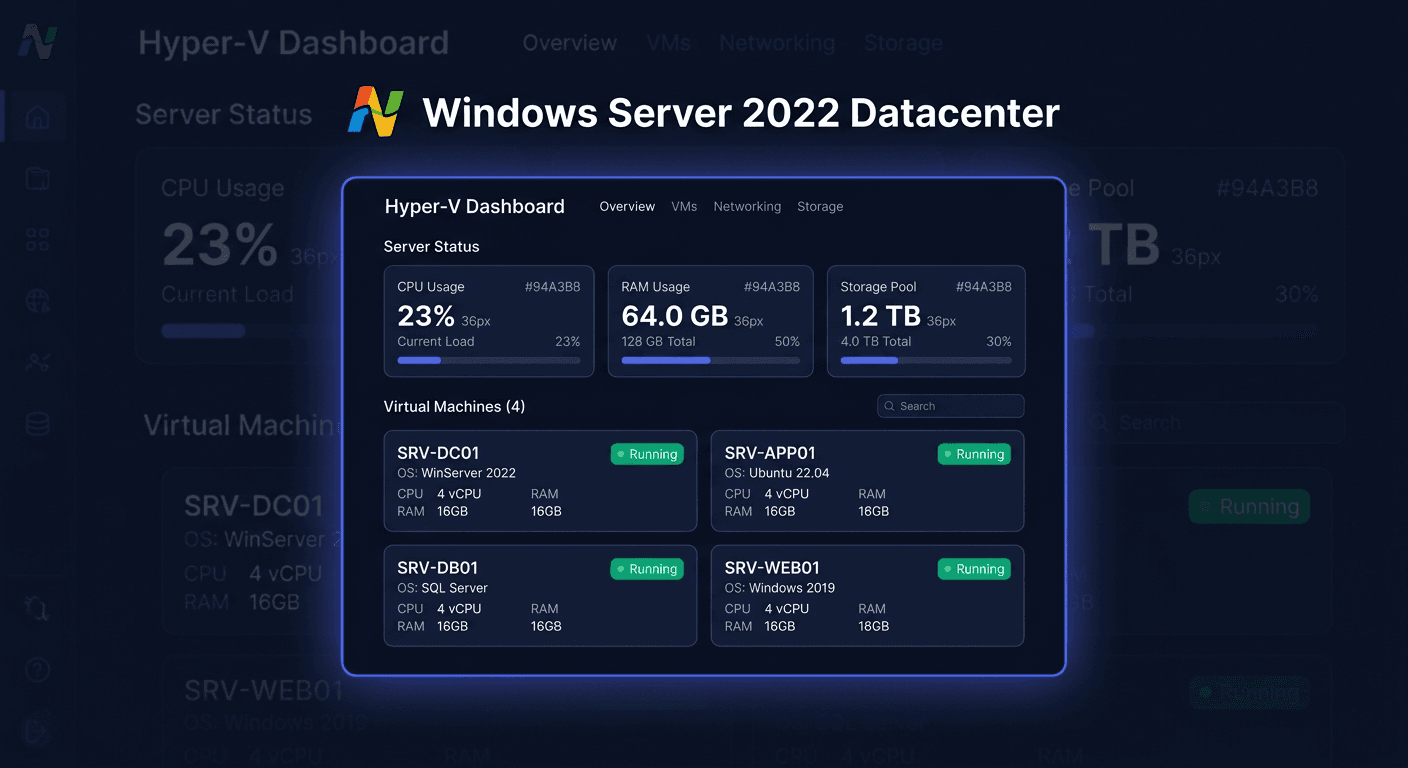
Before you start — Windows Server 2022 Essentials
Windows Server 2022 Essentials (2CPU) — a modern edition for small businesses:
- Max. 25 users / 50 devices
- No CAL requirement
- Limit 2 CPU processors
- Essentials Dashboard — simplified management
- Support until October 2031
New features vs 2019:
- Improved system and network security
- Support for TLS 1.3
- DNS-over-HTTPS
- Better integration with Azure Arc (hybrid management)
At KluczeSoft.pl, you receive a digital product key with instant email delivery.
System requirements
| Component | Requirement |
|---|---|
| Processor | 1.4 GHz, 64-bit |
| RAM | 2 GB min. (8 GB recommended) |
| Disk | 160 GB |
| CPU | Max. 2 processors |
| Architecture | x64 |
For real work: SSD, 4-8+ GB RAM, static IP address.
Download
- Microsoft Evaluation Center — trial version (convertible with a key)
- VLSC / Microsoft licensing portal
Format: ISO image → bootable USB stick or virtual machine.
Installation
- Boot from ISO/USB — set UEFI/Legacy in BIOS
- Installation wizard — language, license terms, target disk
- Select Essentials edition
- Administrator password and server name
- Static IP address — recommended
- Updates — Windows Update after first login
Essentials Dashboard
After installation, a simplified panel is available: user accounts, devices, backup, remote access.
Activation
Command line
slmgr.vbs /ipk XXXXX-XXXXX-XXXXX-XXXXX-XXXXX
slmgr.vbs /ato
GUI
System settings → activation section → enter product key.
Phone activation
00 800 121 1654 — prepare the installation ID.
Verification
slmgr.vbs /xpr
Check if permanently activated.
slmgr.vbs /dlv
License details and activation channel.
What's new vs Windows Server 2019 Essentials
Improved security
Advanced system and network protection mechanisms — higher security level without external tools.
TLS 1.3
Newer version of the encryption protocol — better network communication protection.
DNS-over-HTTPS
Increased privacy of DNS queries, better network traffic protection.
Azure Arc and hybrid integration
Easier management of the local server from Azure cloud tools.
Troubleshooting
1. Key not accepted
Check the key (Essentials edition!), no typos. Use slmgr.vbs /ipk.
2. Online activation error
Check internet, firewall, proxy. Phone: 00 800 121 1654.
3. Installer does not detect disk
Load RAID/NVMe driver from USB. Check AHCI/RAID in BIOS.
4. System does not boot from USB
Recreate the media, check UEFI/Legacy mode, boot priority.
5. Free updates after installation
Run Windows Update manually, install cumulative updates.
6. Exceeding the 25-user limit
Essentials = max. 25 users / 50 devices. Above → migration to Standard.
7. Reactivation after hardware change
Repeat slmgr.vbs /ato or phone activation.
If you need help, please contact us at [email protected] or call 00 800 121 1654.
Comparison of versions
Essentials vs Standard vs Datacenter
| Feature | Essentials | Standard | Datacenter |
|---|---|---|---|
| For whom | Small business | SME | Data centers |
| Users | 25/50 | Unlimited | Unlimited |
| CAL | Not required | Required | Required |
| CPU | 2 | Broader | Broader |
| Hyper-V | Limited | Yes | Full |
| Dashboard | Yes | No | No |
2019 Essentials vs 2022 Essentials
| 2019 | 2022 | |
|---|---|---|
| TLS 1.3 | Limited | Yes |
| DNS-over-HTTPS | No | Yes |
| Azure Arc | Basic | Improved |
| Support until | January 2029 | October 2031 |
| Security | Good | Enhanced |
For new deployments, 2022 Essentials is a better and more future-proof choice.
Summary
Windows Server 2022 Essentials — a modern server for small businesses:
- 25 users / 50 devices without CAL
- Essentials Dashboard
- TLS 1.3, DNS-over-HTTPS, Azure Arc
- Support until October 2031
Activation: slmgr.vbs /ipk + /ato, GUI or phone 00 800 121 1654
Verification: slmgr.vbs /xpr
Also check: Windows Server 2022 Standard, Windows Server 2019 Essentials at KluczeSoft.pl. If you have any questions, please contact us at [email protected] or visit our website for more information.